


JIRA Update
This Snap executes the HTTP PUT method to a JIRA REST API service
endpoint to update JIRA issues.
Supported Accounts
- This is a Write-type Snap.
 Works in Ultra Tasks
Snap views
| Type | Description | Examples of upstream and downstream Snaps |
|---|---|---|
| Input | This Snap has exactly one document input view and receives documents in the view. Each document contains data to be updated at the JIRA REST API service endpoint. The Snap provides the schema on the input view. | |
| Output | This Snap has at most one document output view and produces documents in the view. Each document contains the response data from the JIRA REST API service endpoint. | |
| Learn more about Error handling. | ||
Snap settings
Note:
Learn about the common controls in the Snap settings dialog.
| Field/Field set | Description |
|---|---|
|
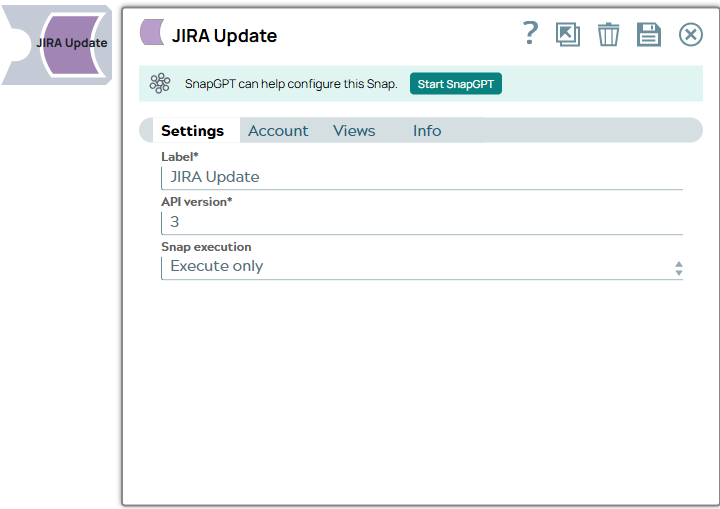
Label
|
Required.Specify a unique name for the Snap. Modify this to
be more appropriate, especially if there are more than one of the same Snap in the
pipeline.
Default value: JIRA Update Example: Update SWAT Issues |
| API version
|
Required. The JIRA REST API version number. Default value: 2 Example: 2 |
|
Snap execution Dropdown list
|
Choose one of the three modes in
which the Snap executes. Available options are:
Default value: Execute only Example: Validate & Execute |