Delete JIRA issues
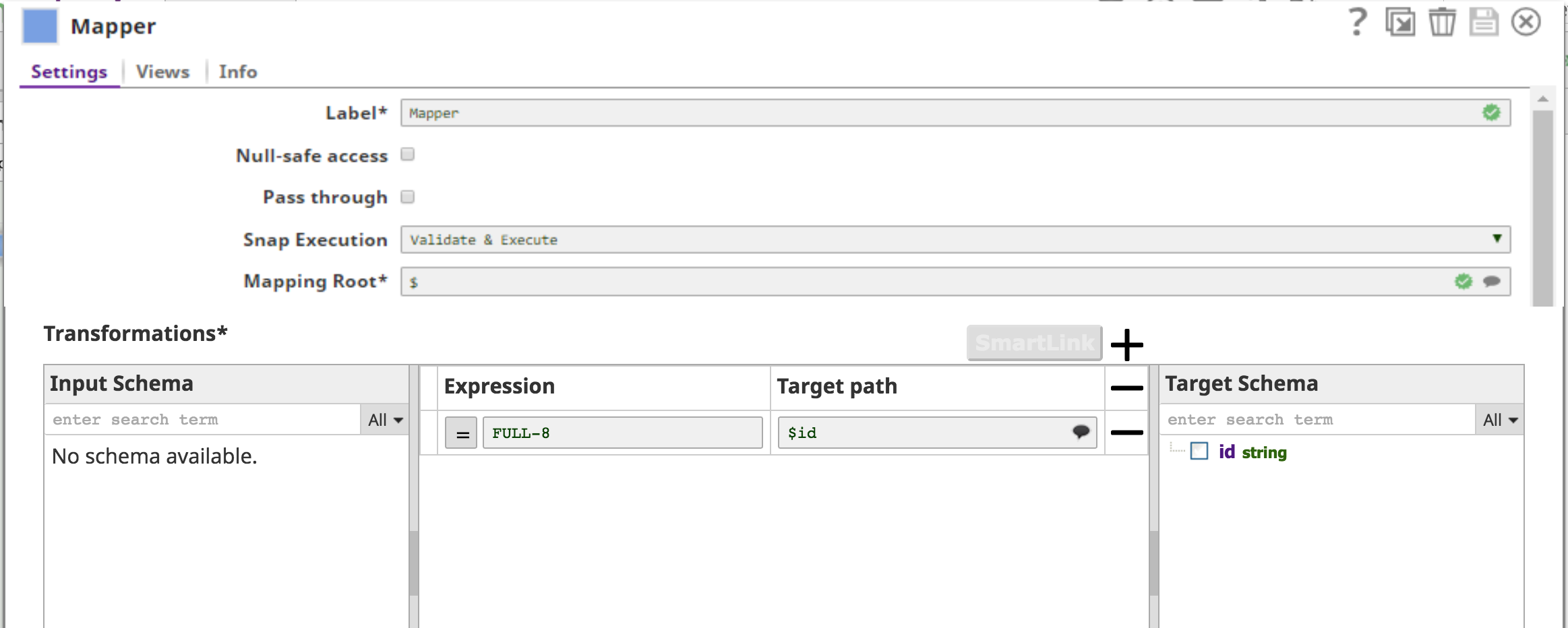
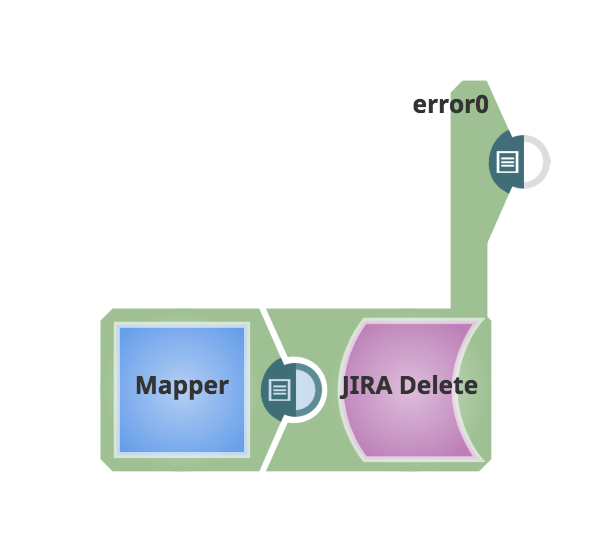
This example demonstrates deleting JIRA issues using a Mapper Snap to provide issue IDs and the JIRA Delete Snap to remove issues that do not contain sub-tasks.
You will likely want to use a Mapper Snap before the JIRA Delete Snap to see the target schema being requested and to map the appropriate fields or parameters.
At this time, the only item in the schema is id.