


File compression (GZIP)
The following example pipeline demonstrates how to read a file and compress it using the GZIP Compression scheme. It consists of a single segment that handles the file reading and compression operations.
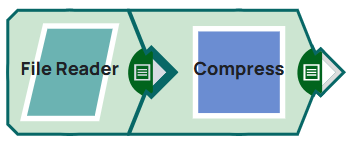
-
Configure the
Compress
Snap to compress the
input data using the GZIP compression scheme.
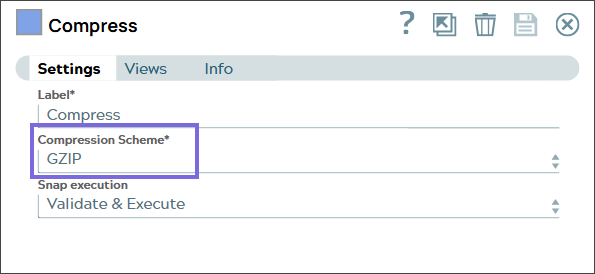
-
Validate the Snap. On validation, the Snap compresses the output and displays the
output as shown below.
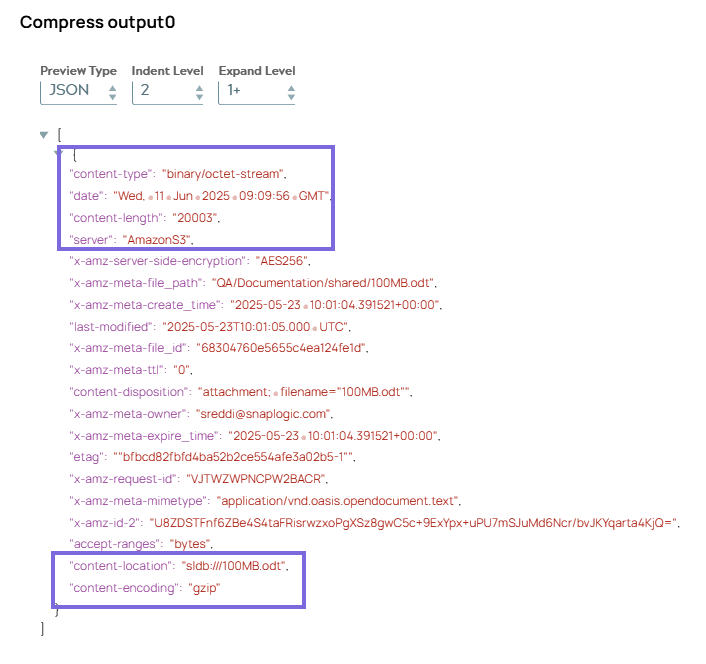
- Download and import the pipeline into SnapLogic.
- Configure Snap accounts as applicable.
- Provide pipeline parameters as applicable.