


Remove duplicate records
The following example pipeline demonstrates how to use the Unique Snap to process employee data from a CSV file and remove duplicate records. The data includes employee information such as ID, name, department, location, hire date, and email address.
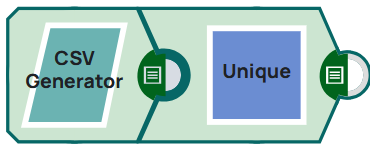
-
Configure the CSV Generator Snap
Configure the CSV Generator Snap to generate a CSV dataset containing employee records with fields for employee_id, first_name, last_name, department, location, hire_date, and email. The dataset includes multiple duplicate records.

-
Validate and view unique output
On validation, you can view all unique records in the output preview as shown below.
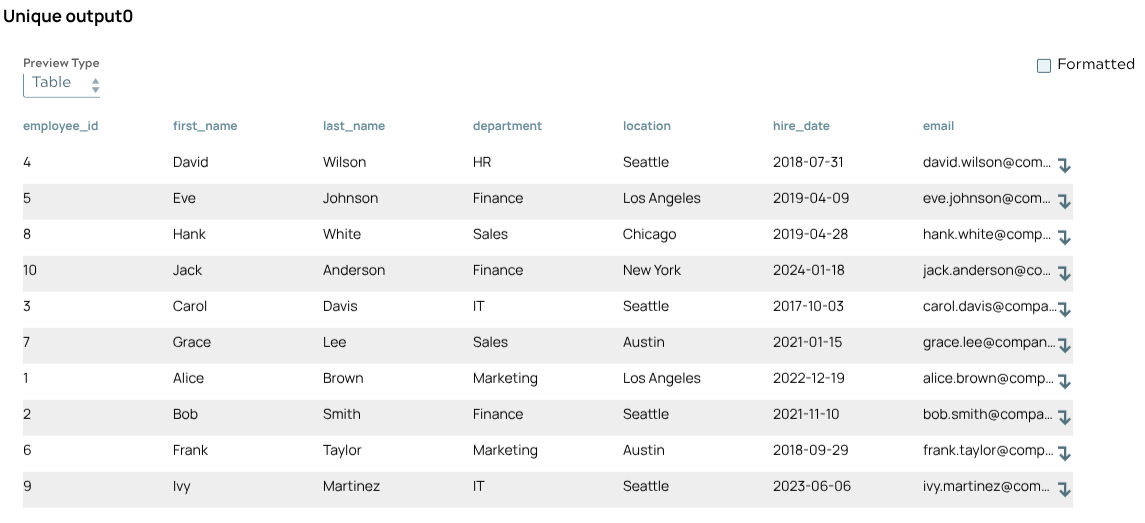
- Validate the pipeline to generate the output preview.
- Review the output to confirm only unique records remain.