


APIM 3.0 Developer Portal
From the APIM 3.0 Developer Portal, you can browse, try out, and subscribe to Services. If the Portal requires a login, and you don't have one, you must first request an account. Before subscribing to a Service, you must create an Application.
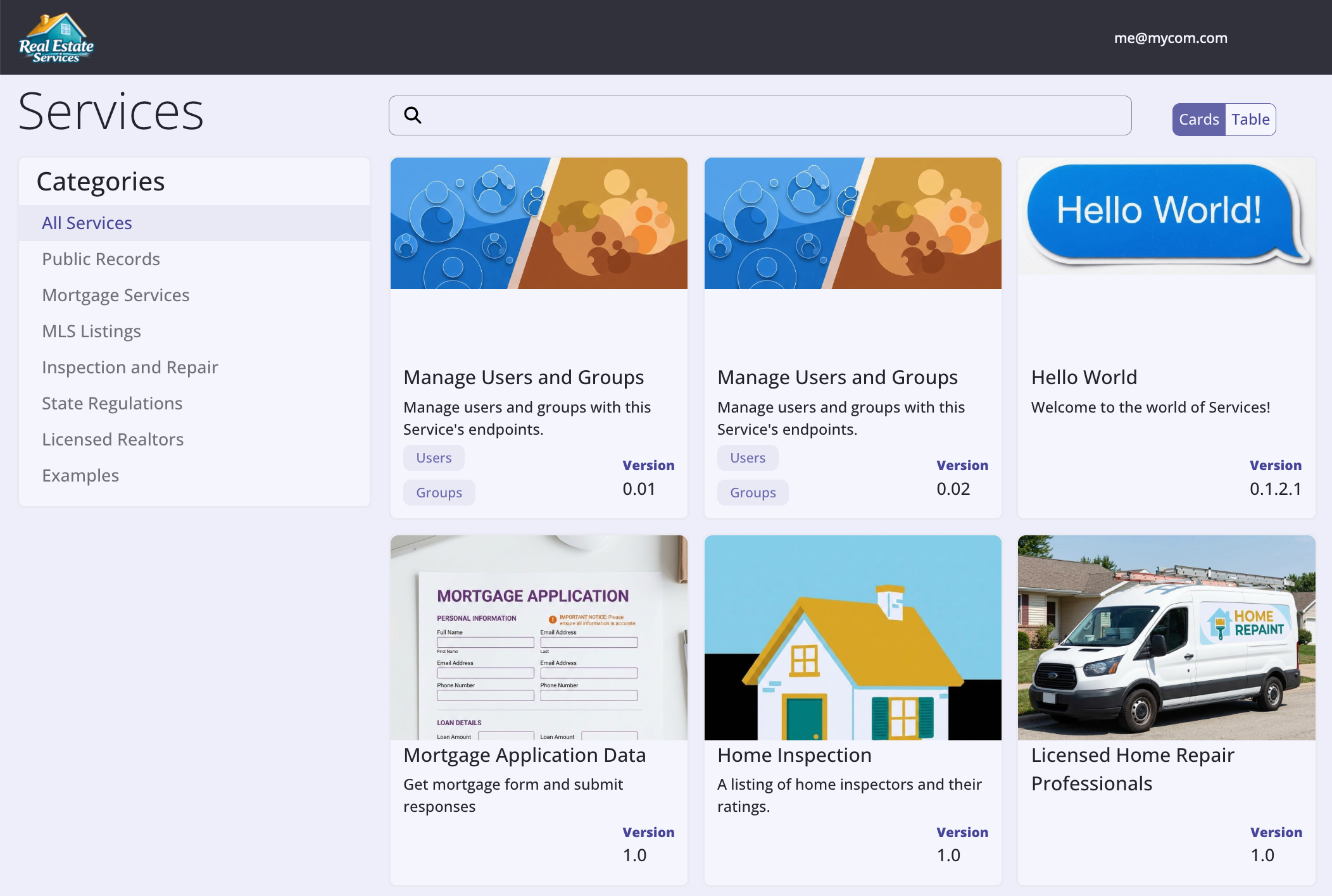
Requesting a portal account
A SnapLogic admin or developer can provide you with the Developer Portal URL. On the home page, click Sign in and on the login screen click Sign up. In the Username field, enter your email address. Enter your first and last name and click Register Account. Environment admins approve or reject requests. Approved requesters receive a welcome email.
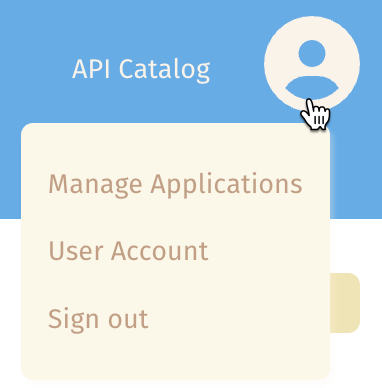
After logging in, you can update the display name and reset your password by clicking your email address in the header and selecting the User Account option.
The following describe how to: