


Parse EDIFACT data into JSON
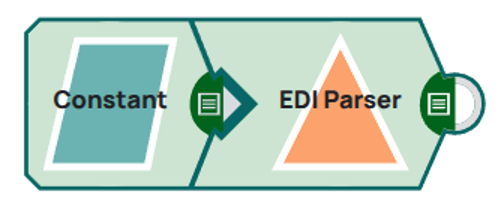
The following example demonstrates a simple pipeline that consumes EDIFACT data using the Constant Snap and parses this data into a structured JSON document using the EDI Parser Snap.
Download this Pipeline
-
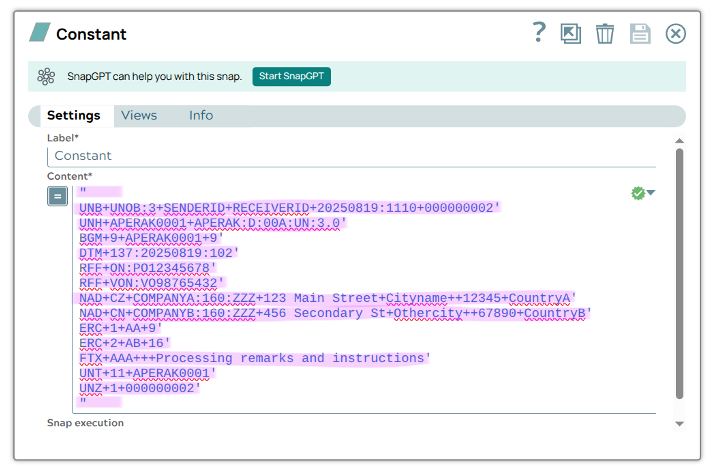
Use a Constant Snap to provide the EDIFACT
binary to the pipeline.
-
In the EDI Parser settings, select the
Version and EDIFACT type that match the input data (e.g.,
D00Aandaperak).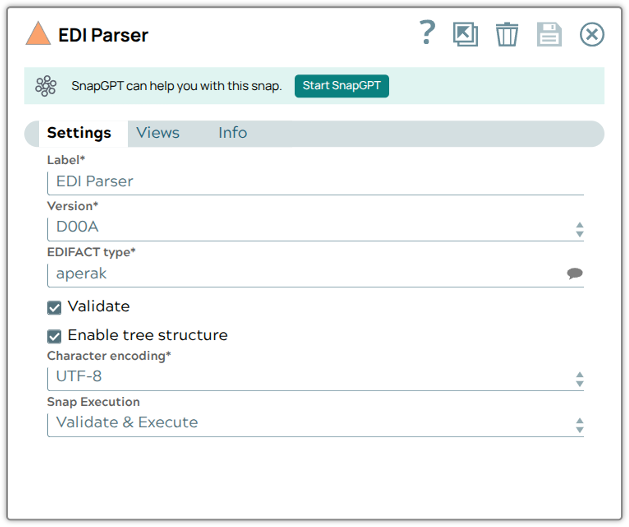
When the Enable tree structure option is selected, the JSON output is organized hierarchically — child segments are nested inside their parent segments, clearly showing the relationships between them: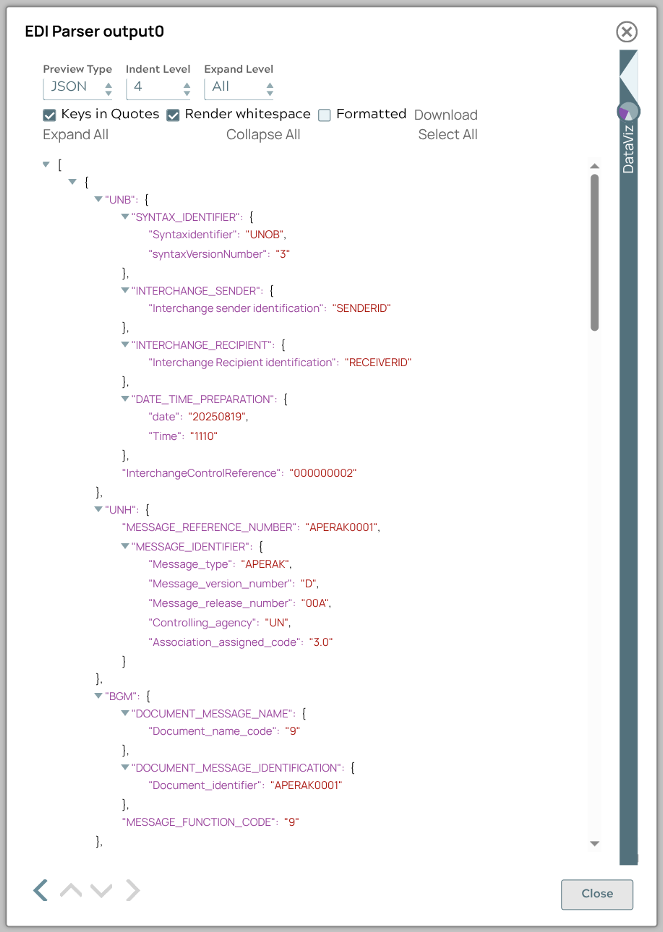
Deselecting this option, however, will result in a flat array of segments, which may be useful if you want to process each segment individually: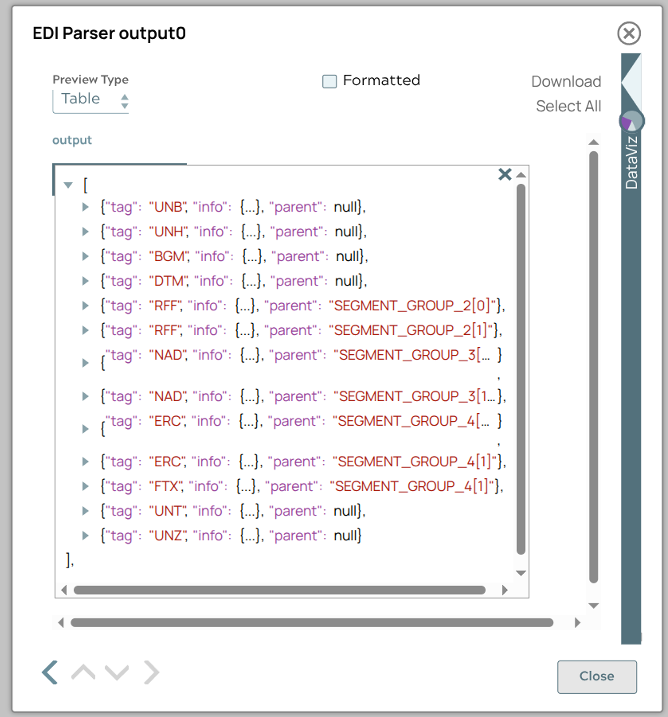
- Download and import the pipeline into SnapLogic.
- Configure Snap accounts as applicable.
- Provide pipeline parameters as applicable.