


Executing SQL query to retrieve and insert data
This example pipeline demonstrates how to execute a SQL query to retrieve data from a database and insert the retrieved data into the target database table.

-
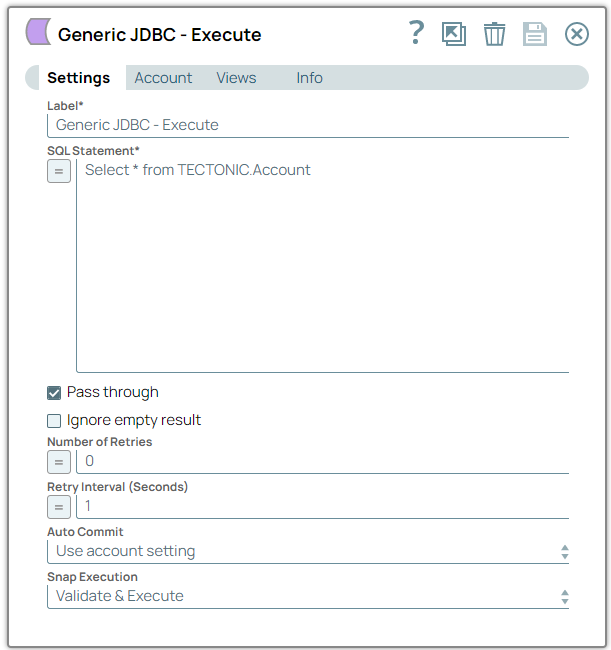
Configure the
Generic JDBC -
Execute
Snap with the SELECT query
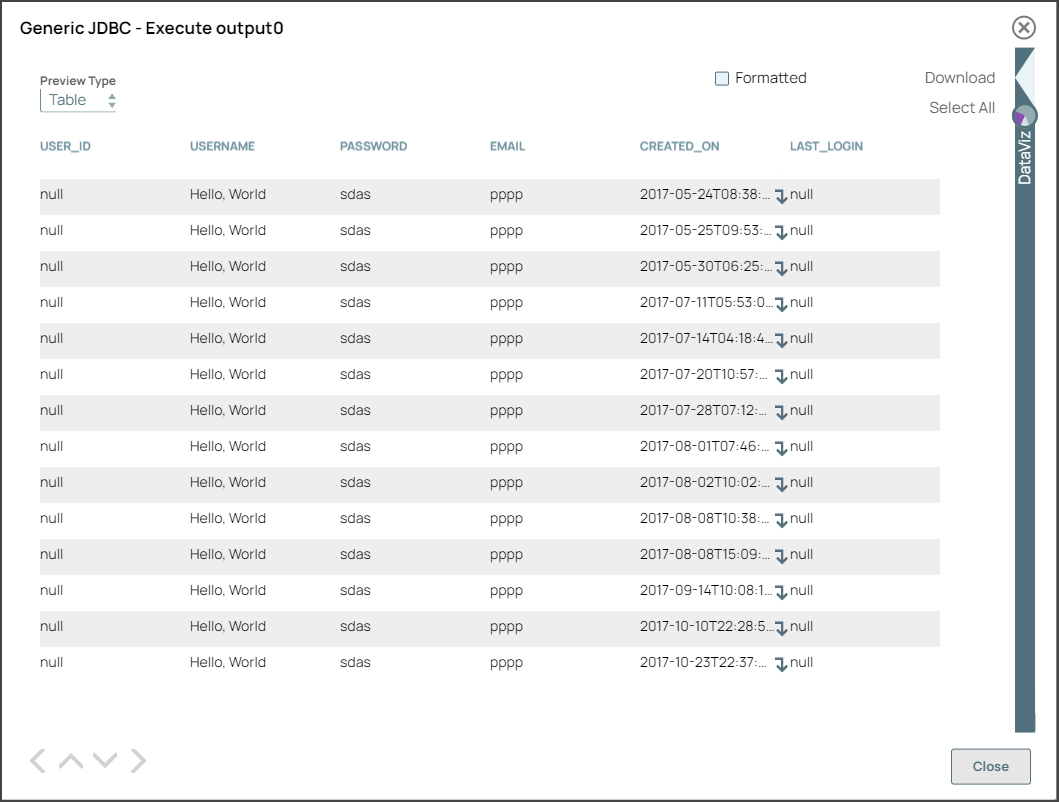
to retrieve all columns from the Account table. On validation, the Snap displays
the selected Account records in the output.
-
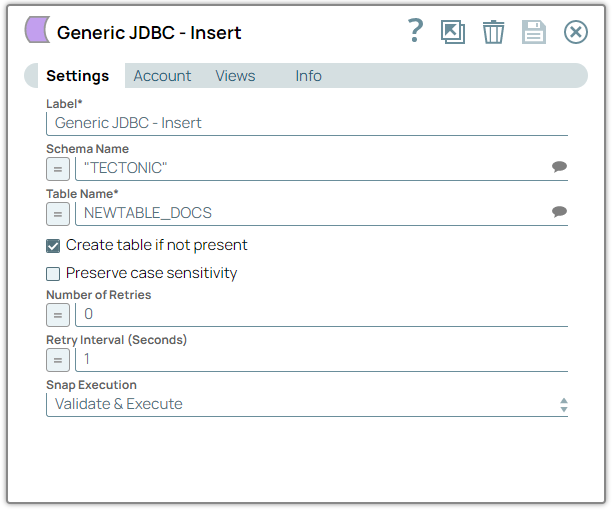
Configure the
Generic JDBC -
Insert
to insert the new data into
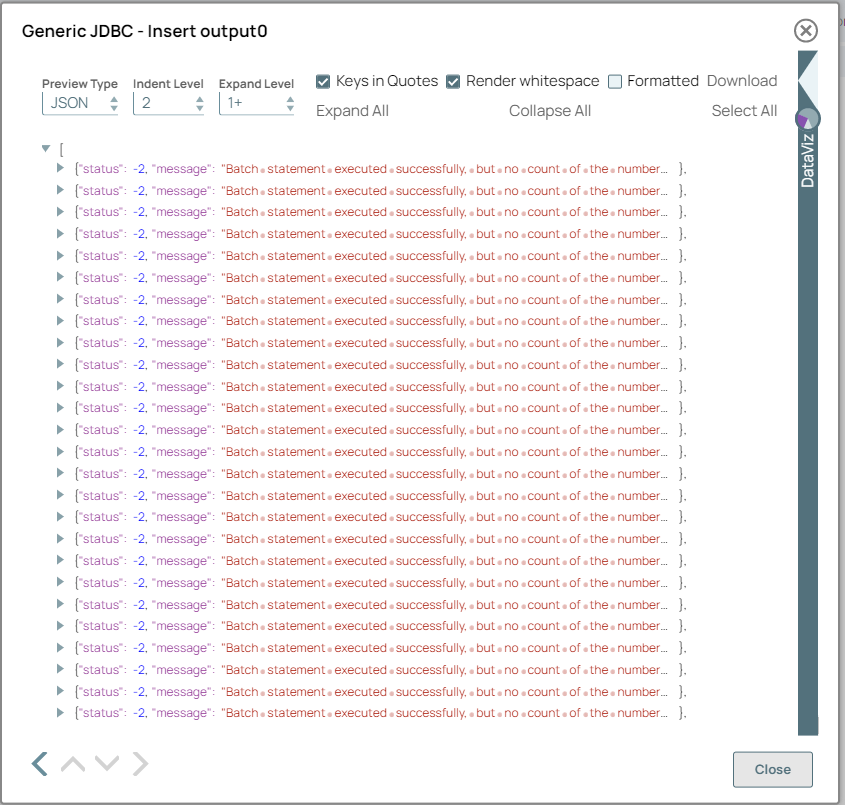
the NEWTABLE_DOCS table. On validation, the Snap displays the output with the
success message of execution.
- Download and import the pipeline into SnapLogic.
- Configure Snap accounts as applicable.
- Provide pipeline parameters as applicable.