


Delete a Pipeline
Overview of deleting pipelines in SnapLogic Manager.
IIP Redesign
From September 2022 onward, use Manager to move and delete your pipelines.
Delete Pipelines
You can remove pipelines from your projects by deleting them in SnapLogic Manager. When you delete a pipeline, the pipeline is moved to the Recycle Bin folder, located under Project Spaces in SnapLogic Manager.
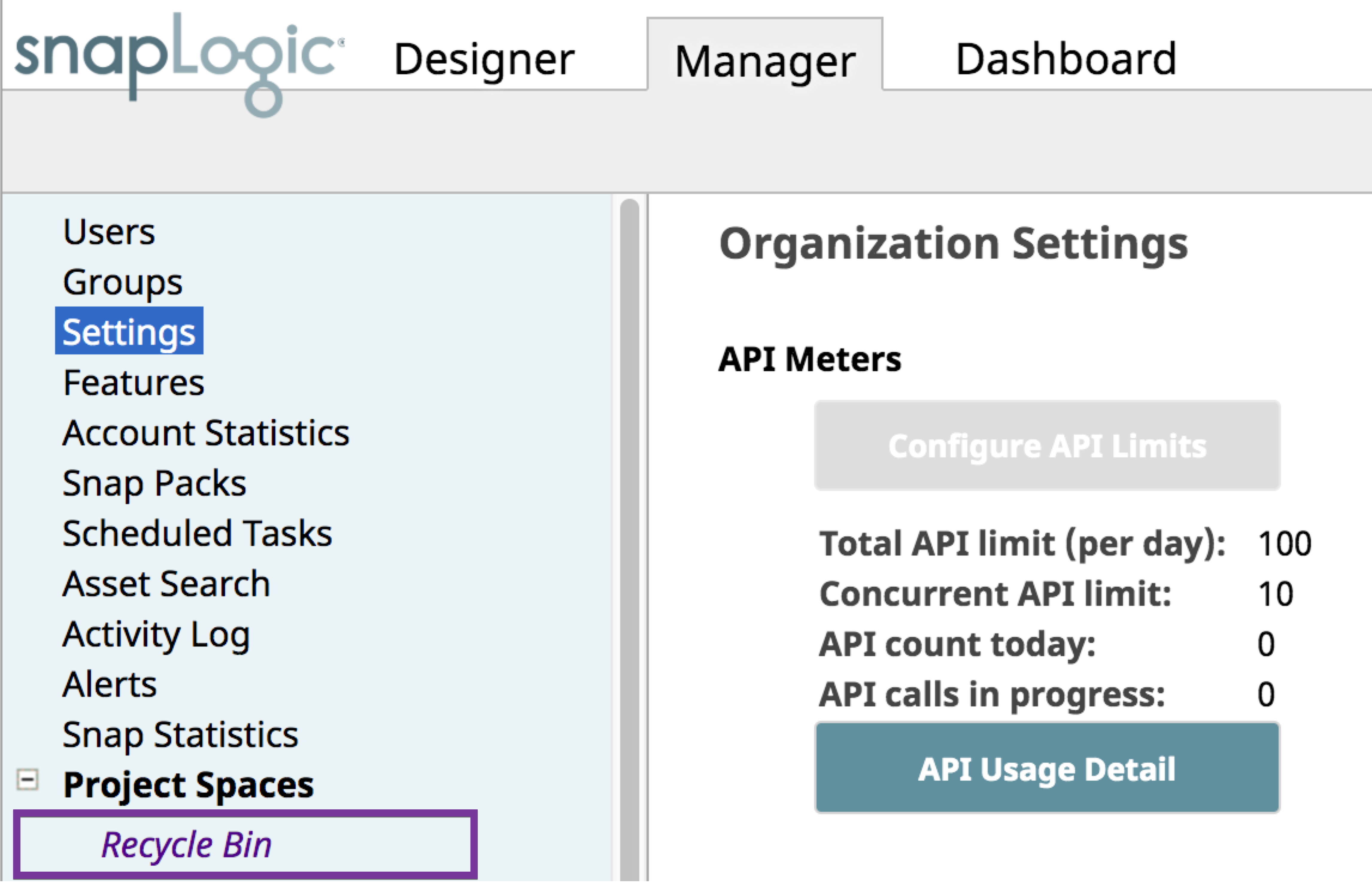
If you want to retrieve a deleted pipeline, you can find it in the Recycle Bin.
Deleting a Pipeline in SnapLogic Manager
-
In Manager, navigate to the Project where the target pipeline resides. To make finding the pipeline easier, click the Pipelines tab to display all pipelines in that Project.
-
Select the target pipeline and click
 to delete the pipeline from the Project.
The following dialog appears:
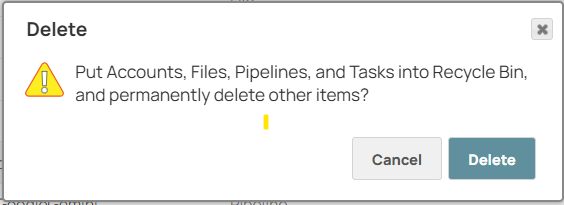
Click Delete to send the pipeline to the Recycle Bin.
Delete a Pipeline Permanently
-
In Manager, navigate to the Recycle Bin. To make finding the pipeline easier, click the Pipelines tab to display all pipelines in the Recycle Bin.
-
Select the target pipeline and click
 to delete the pipeline permanently.
The following dialog appears:
Click Delete. A message confirming the permanent deletion appears, and the pipeline is no longer recoverable.