


Archive Read Emails
The emails read by the Snap can be archived/moved to a specified target location using this Snap. In this example, the emails are moved to the Spam folder. The pipeline is as shown in the screenshot below:
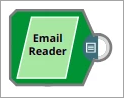
The Email Reader Snap is configured as shown in the screenshot below:
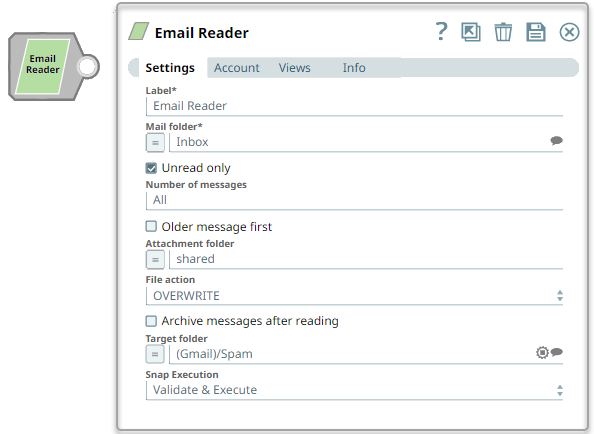
The Archive messages after reading property is selected, and the target folder is specified as the Spam folder. The email page shows the Inbox of the email account with an email, which will be archived and moved to the Spam folder when the Snap is executed.
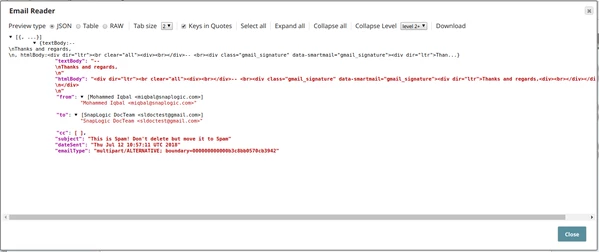
Below is a preview of the output from the Snap, it shows the body of the email along with
other email attributes:
- Download and import the pipeline into SnapLogic.
- Configure Snap accounts as applicable.
- Provide pipeline parameters as applicable.