Salesforce Access token timeout settings
Configure the Salesforce access token (session) timeout for Pipelines that use Salesforce Snaps by setting a Snaplex global property.
The expiration timeout (or session timeout) in Salesforce is 14 minutes by default. To change this value:
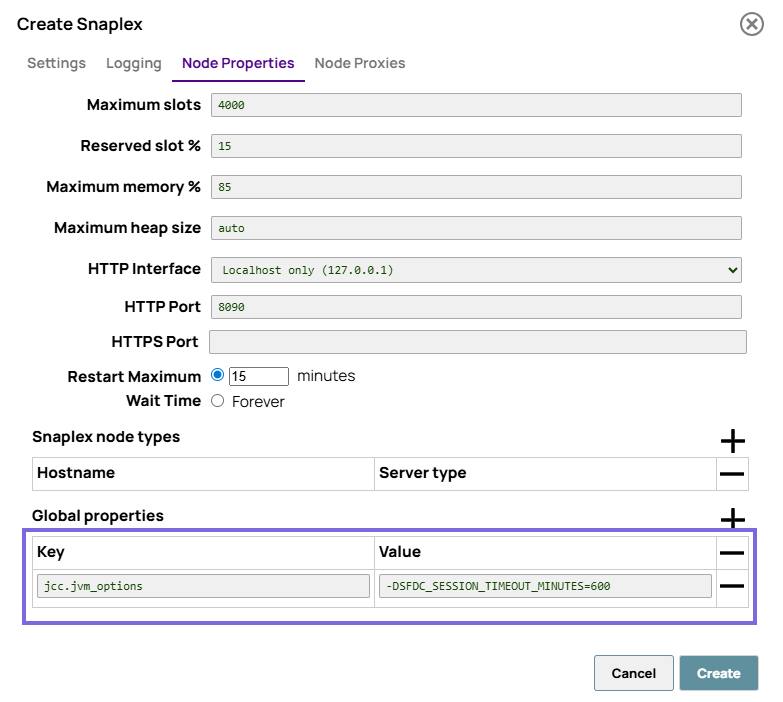
- Click Node Properties and, at the bottom of the tab that appears, add
the following entry into the Global properties field set:
jcc.jvm_options =
                        -DSFDC_SESSION_TIMEOUT_MINUTES=<NUMBER_OF_MINUTES>