


JIRA IssueLink
This Snap executes the HTTP POST method to a JIRA REST API service
endpoint to link JIRA issues. Learn more about the JIRA Issue Link API: Link Issue Resource.
Supported Accounts
- This is a Write-type Snap.
 Works in Ultra Tasks
Prerequisites
The user must have the link issue permission in JIRA.
Snap views
| Type | Description | Examples of upstream and downstream Snaps |
|---|---|---|
| Input | This Snap has exactly one document input view and receives documents in the view. Each document contains data needed to create a link between two issues at the JIRA REST API service endpoint. The Snap provides schema on the input view. | |
| Output | This Snap has at most one document output view and produces documents in the view. Each document contains the response data from the JIRA REST API service endpoint. | |
| Learn more about Error handling. | ||
Snap settings
Note:
Learn about the common controls in the Snap settings dialog.
| Field/Field set | Description |
|---|---|
|
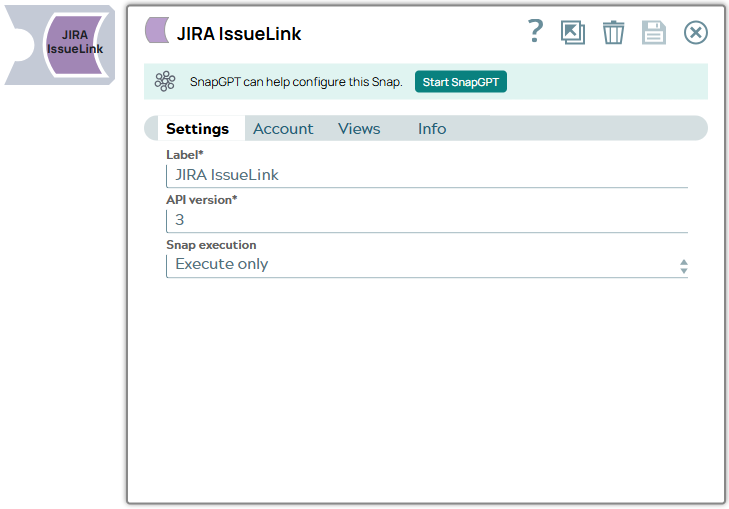
Label String
|
Required.
Required.Specify a unique name for the Snap. Modify this to
be more appropriate, especially if there are more than one of the same Snap in the
pipeline.
Default value: JIRA IssueLink Example: Link Snap Issues |
API version String/Expression |
Required. The JIRA REST API version number. Default value: 2 Example: 2 |
|
Snap execution Dropdown list
|
Choose one of the three modes in
which the Snap executes. Available options are:
Default value: Execute only Example: Validate & Execute |