


Restore project spaces or projects
You must be an Environment admin or the project space owner to delete or restore projects or project spaces. Deleting a project space removes all of its projects and assets. Deleted items first go in the Recycle bin, where you can restore or permanently delete them.
Learn more about the Recycle Bin.
To delete a project space or project:
-
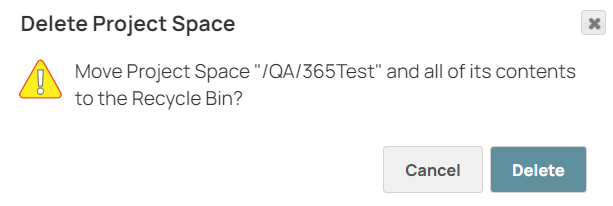
From the dropdown menu, click Delete. A confirmation box displays:
-
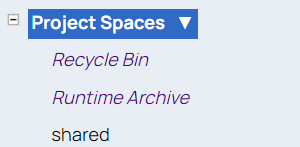
From the left navigation, select Recycle Bin:
-
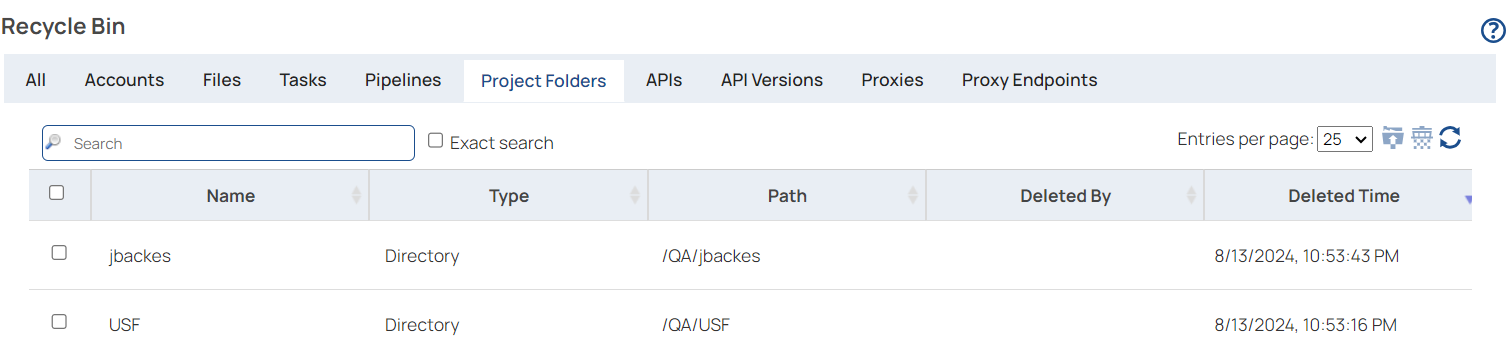
Click Project Folders to list deleted project spaces and projects:
-
You can either restore or permanently delete project spaces in the Project Folders as follows:
Option Description To restore the item - Select the item to be restored from the list of deleted Project Folders in the Recycle Bin
- Click the Restore icon.

- In the confirmation dialog, click Restore.
To permanently delete the item - Select the item to be deleted from the list of deleted Project Folders in the Recycle Bin
- Click the Permanently Delete icon
