


Delete Email from the SMTP server
This example pipeline demonstrates how to delete an email residing in the SMTP server using the SMTP account.
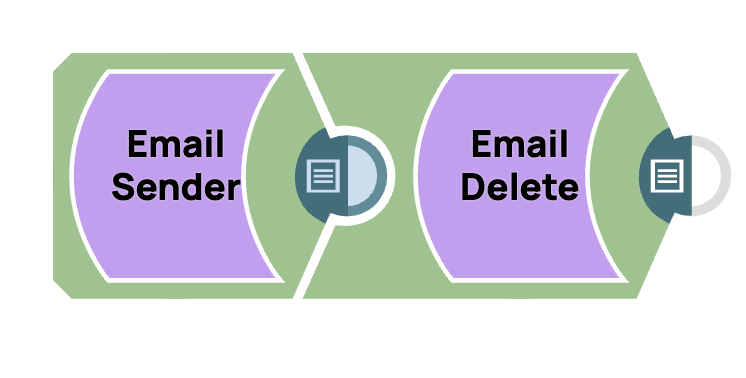
Download this Pipeline
-
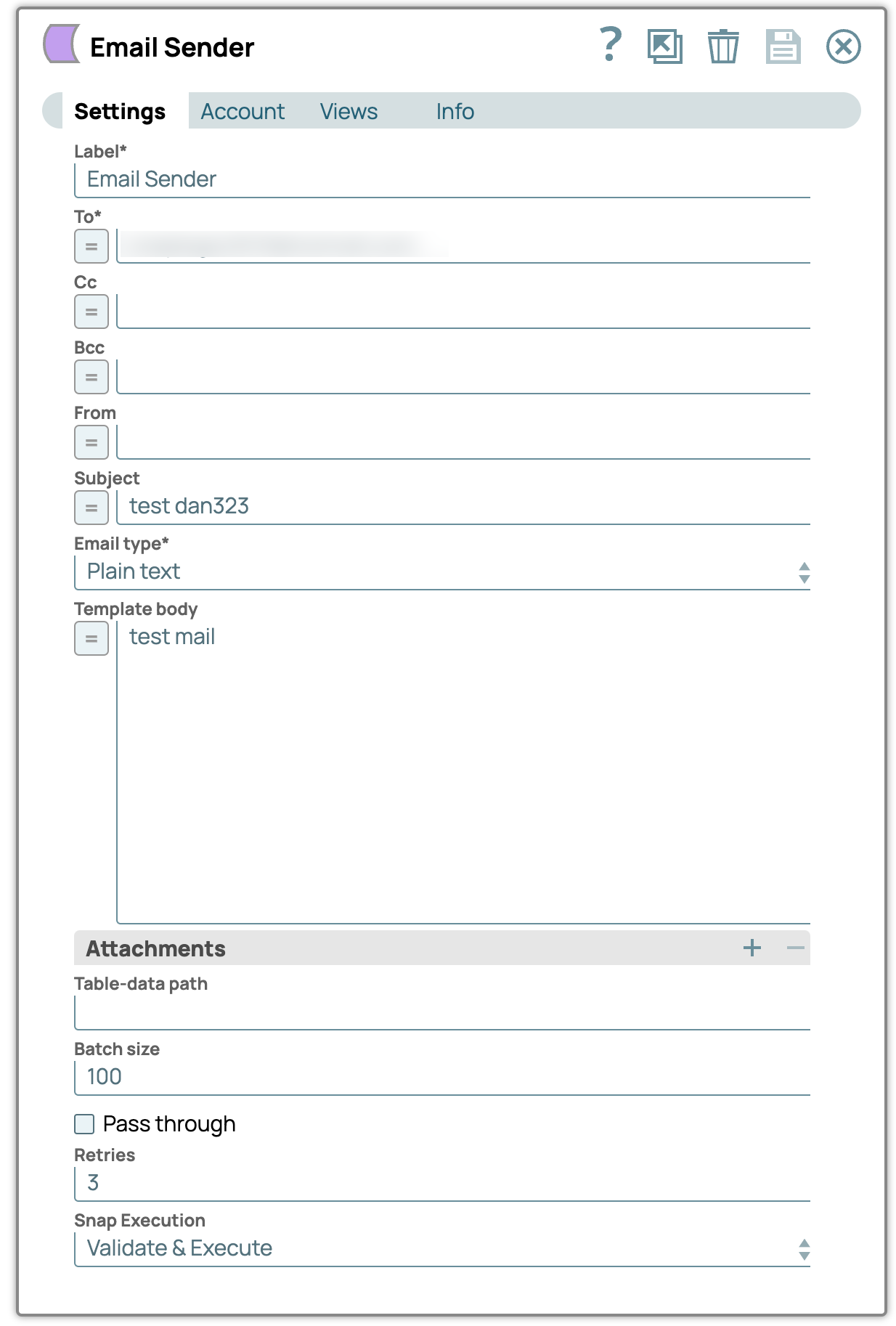
Configure the
Email Sender
Snap to send an email to
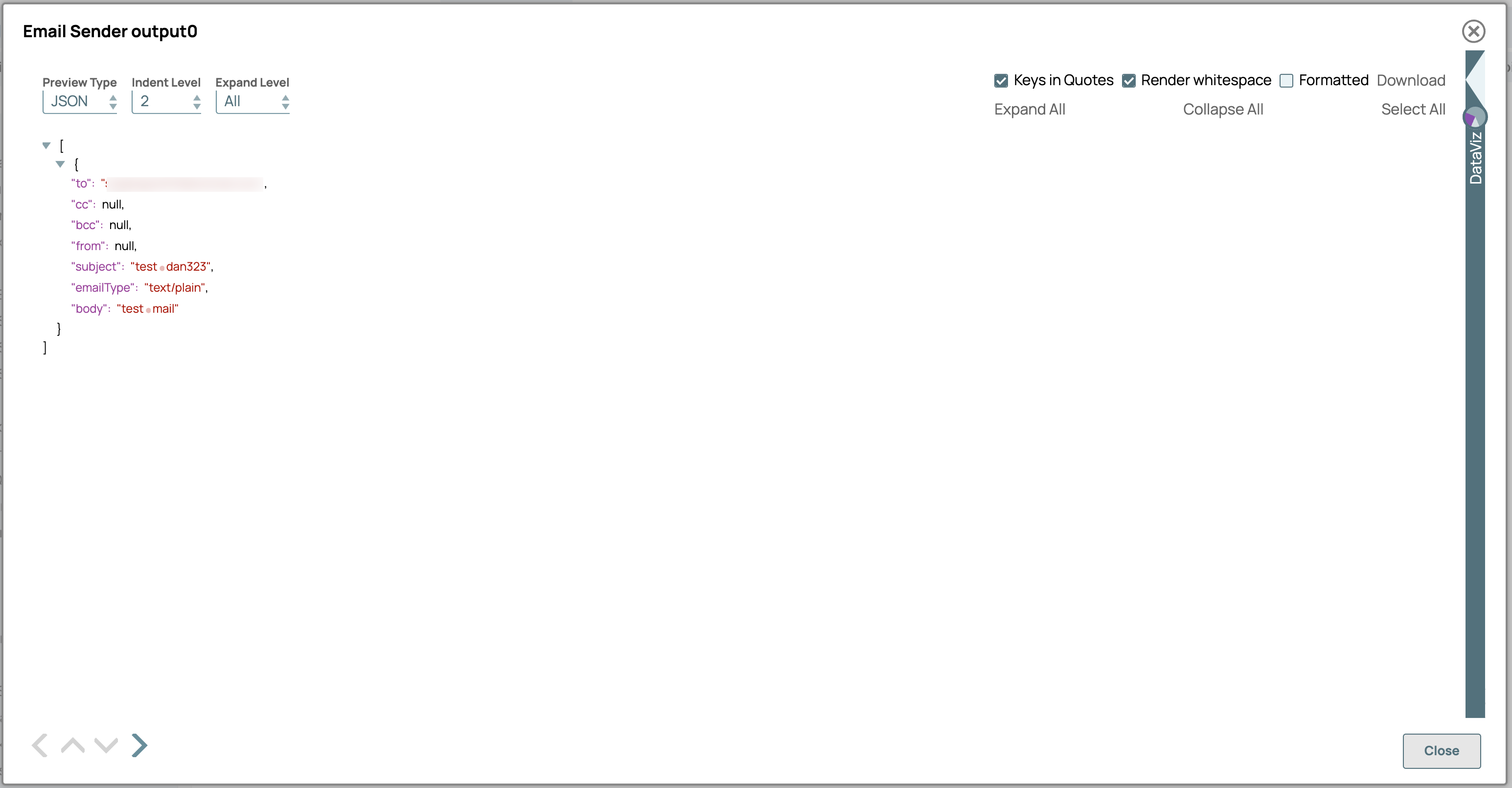
the SMTP server. On validation, the Snap displays the output with the details of the
email.
-
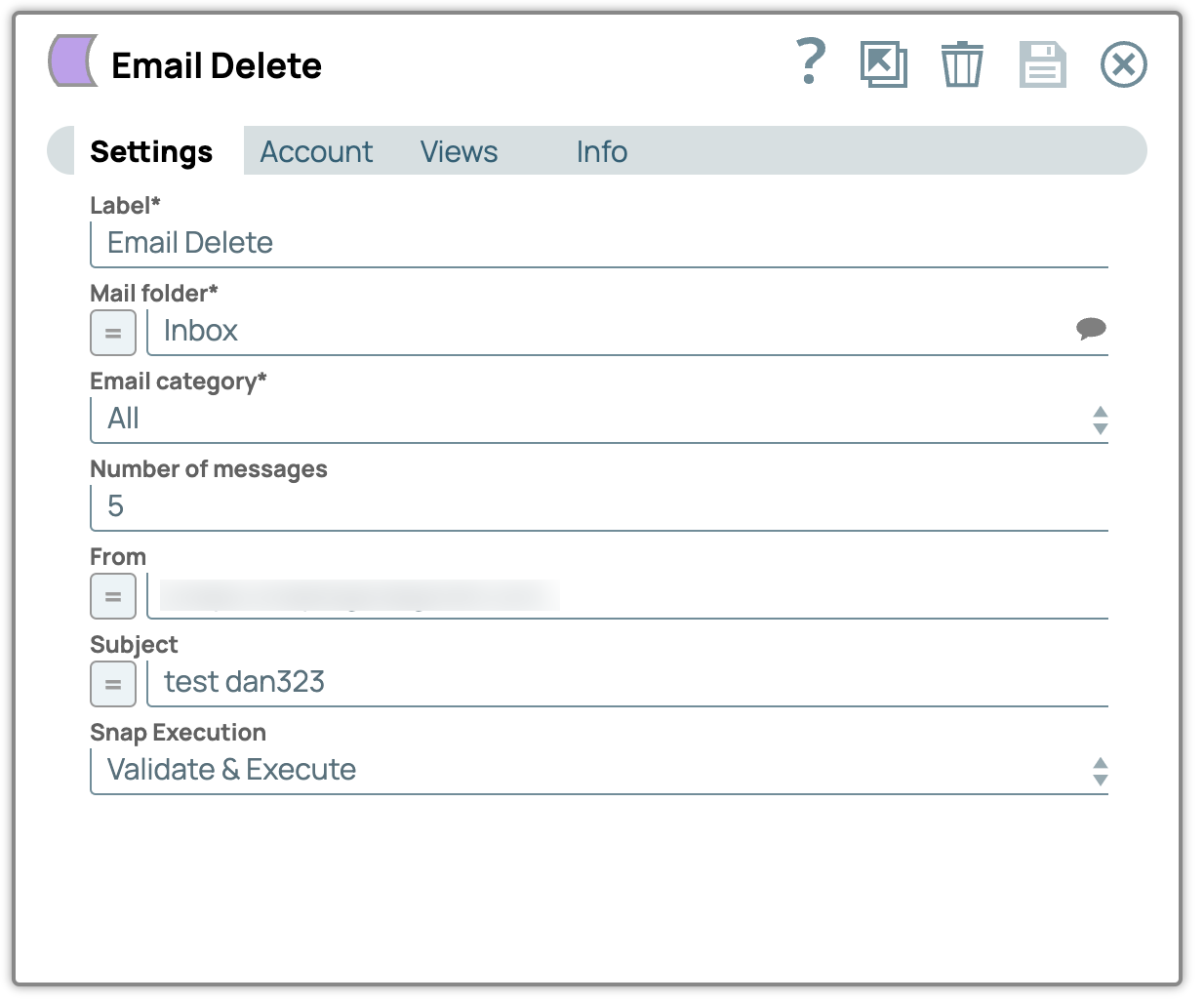
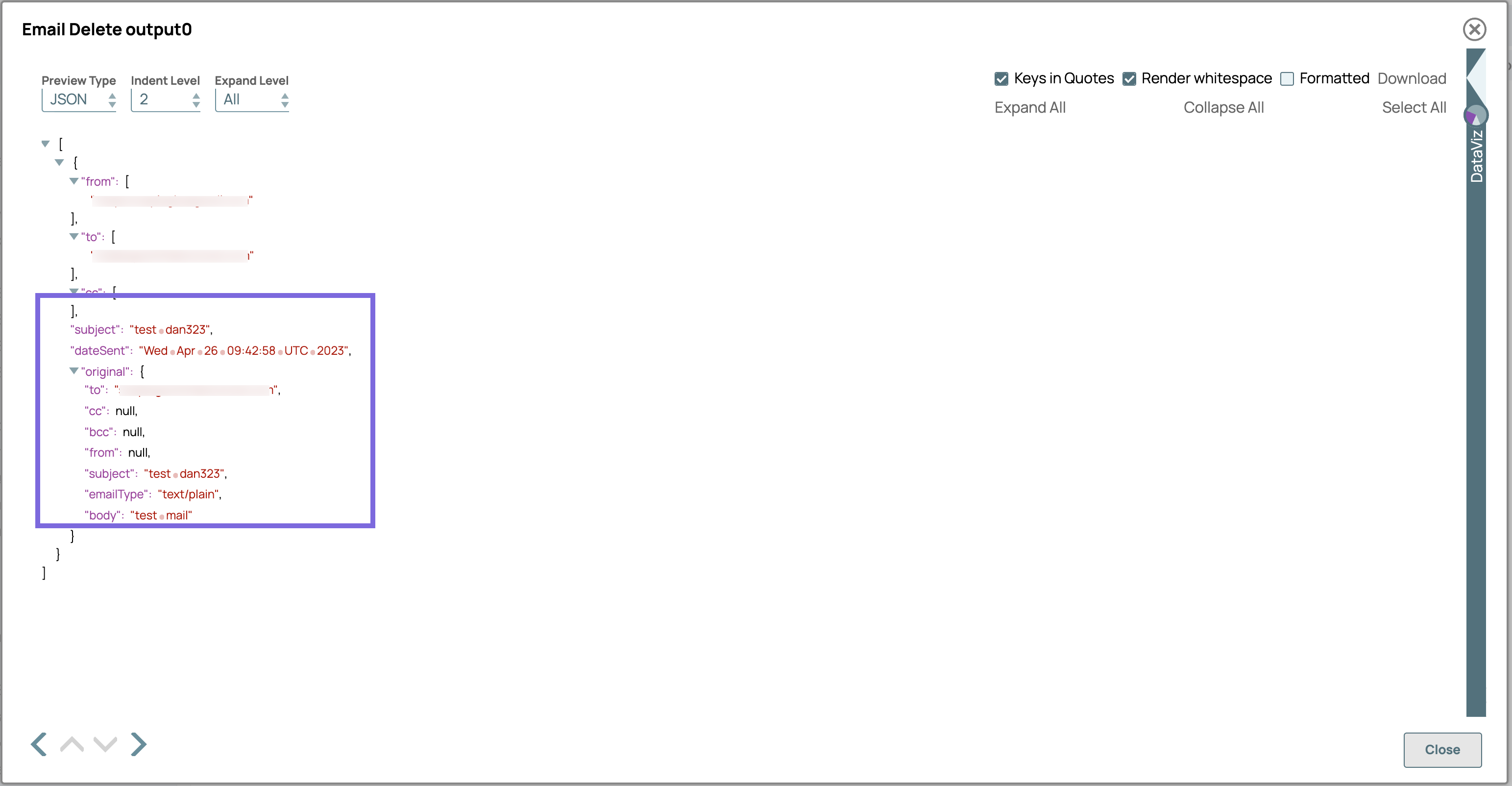
Configure the
Email Delete
Snap to delete the email
with the subject testdan323. On validation, the Snap displays the output of a
confirmation message indicating that the email with the Subject testdan323 is
successfully deleted.
- Download and import the pipeline into SnapLogic.
- Configure Snap accounts as applicable.
- Provide pipeline parameters as applicable.