


Browsing and Archiving Amazon S3 Objects
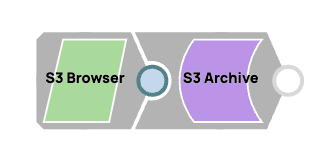
This example Pipeline demonstrates how to browse an S3 object and then archive it.
Prerequisites
A valid AWS S3 Account .
-
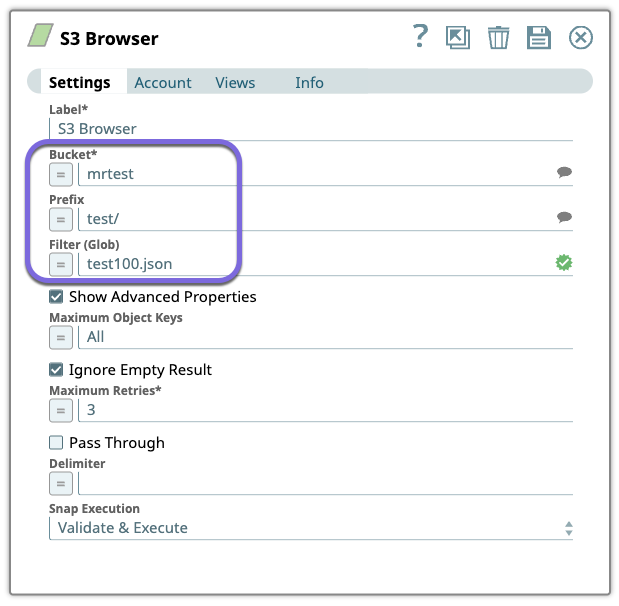
Configure the
S3 Browser
Snap to browse the
test/test100.json object from the mrtest bucket.
-
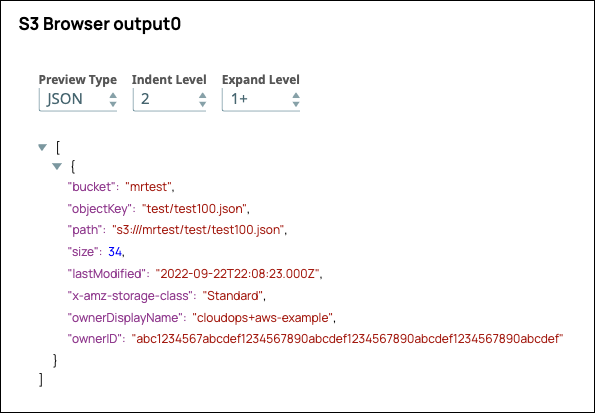
Validate the Pipeline. The output displays the details of the browsed S3 object. Note
that the storage class (Standard) is eligible for archiving.
-
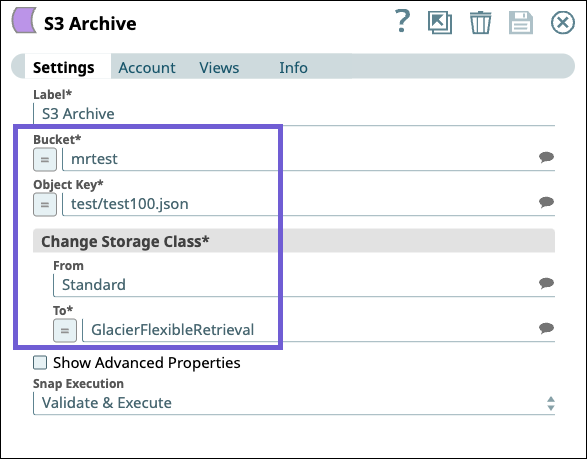
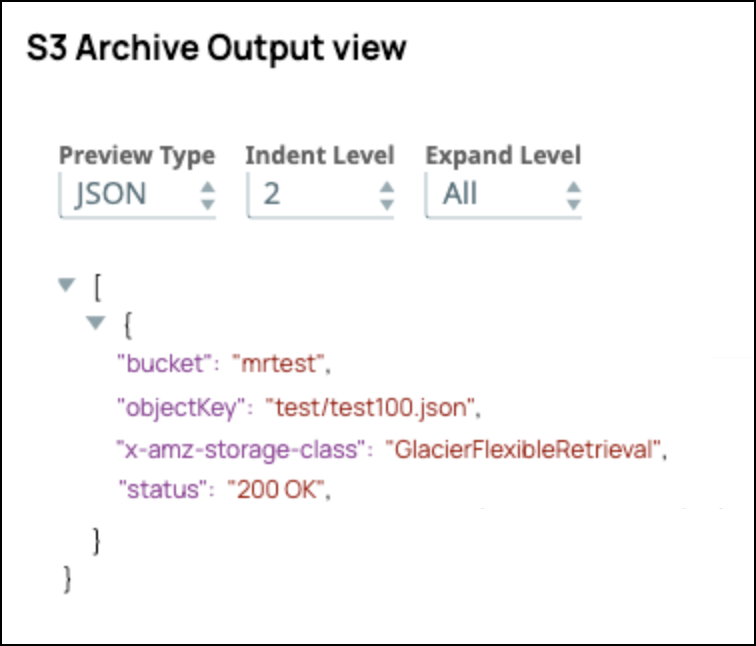
Next, configure the S3 Archive Snap to archive the S3 object. In this example we are
changing the storage class from Standard to GlacierFlexibleRetrieval.
-
Validate the Pipeline. The output displays the details of the archived S3 object. You
can verify that the storage class is changed.
- Download and import the pipeline into SnapLogic.
- Configure Snap accounts as applicable.
- Provide pipeline parameters as applicable.