


Run Job on a Cluster
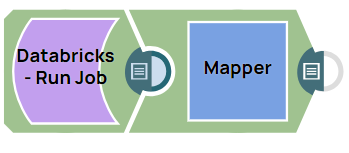
The following example pipeline demonstrates how to run a job specified in the notebook on a cluster.
Download this Pipeline.
-
Configure the Databricks - Run Job Snap with the
following settings:
- a. Task name: Specify the task the Databricks - Run Job Snap must perform in this field.
- b. Notebook path: Specify the path to the Databricks notebook that contains the code to be executed. This path indicates the location within the Databricks environment where the notebook is stored.
- Cluster: Specify the cluster on which the job must be executed. The cluster configuration (including computational resources) is predefined and identified by this name and ID.
- Interval check (seconds): Specify the frequency (in seconds) at which the Snap will check the status of the running job. In this case, it will check every 10 seconds.
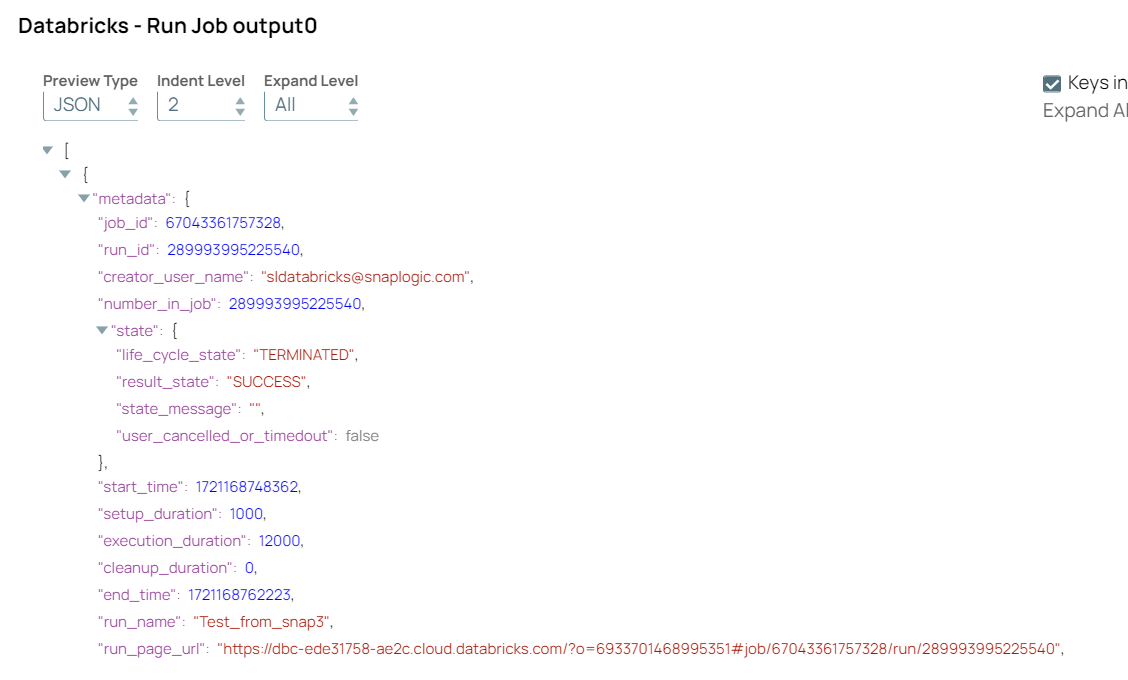
Databricks - Run Job Configuration Databricks - Run Job Output 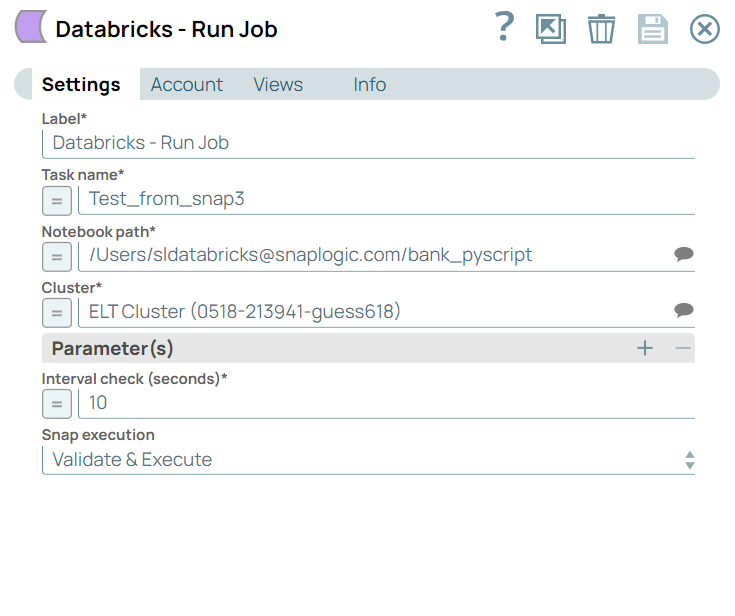
-
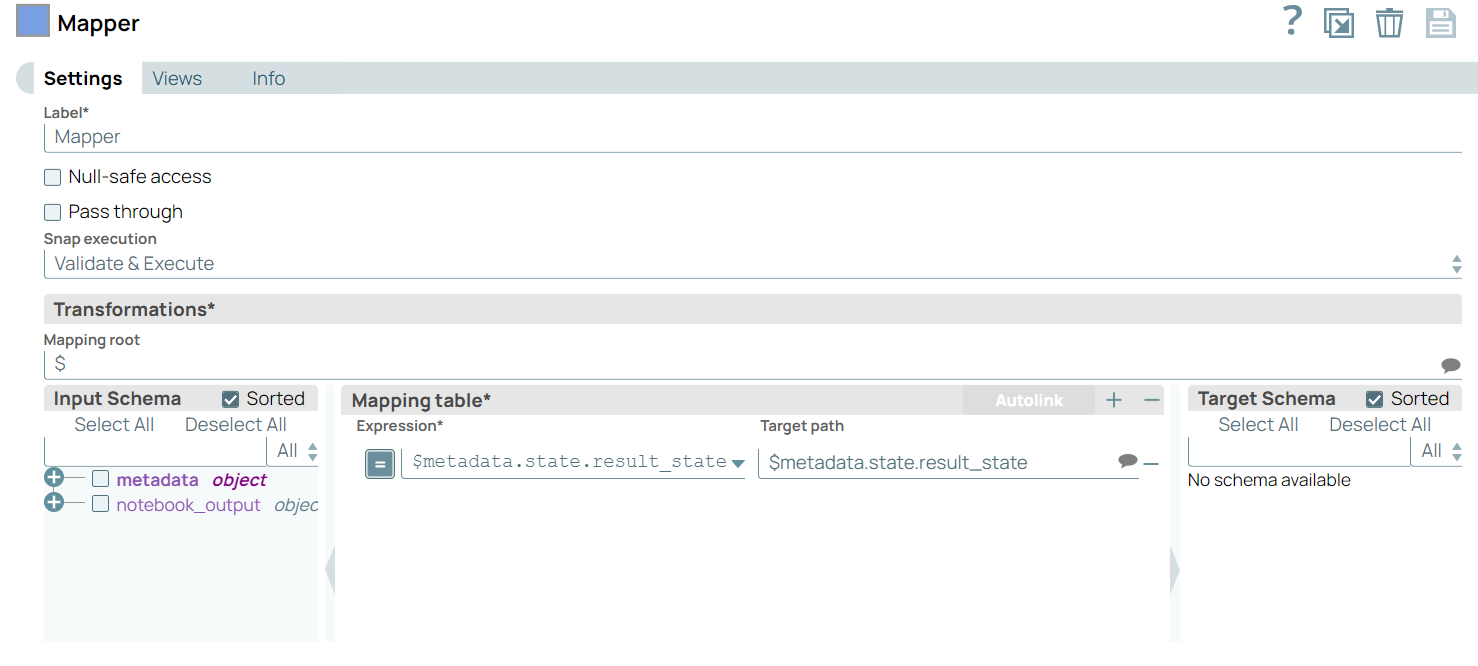
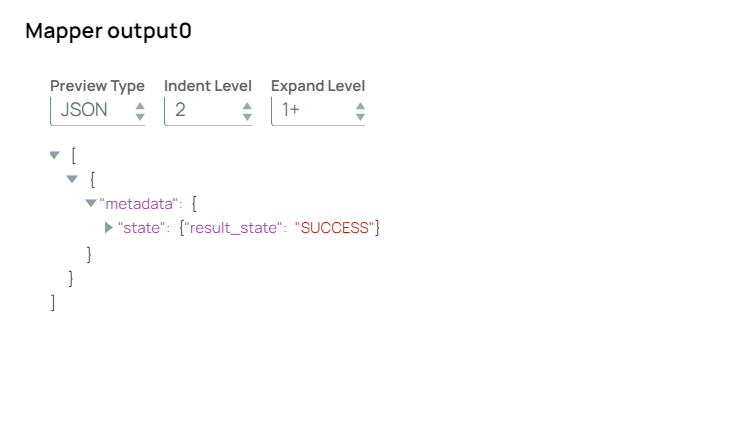
Configure the Mapper Snap to store the result status of the Databricks - Run Job Snap.
On validation, the Mapper Snap displays the job success message.
- Download and import the pipeline into SnapLogic.
- Configure Snap accounts as applicable.
- Provide pipeline parameters as applicable.