


Generate a PDF version of an HTML web document
This example pipeline demonstrates how to convert an HTML resource into a PDF file using the HTML to PDF Converter Snap.

-
Configure the
File Reader
Snap to read a HTML
source - https://httpd.apache.org/docs/2.4/getting-started.html as
follows:
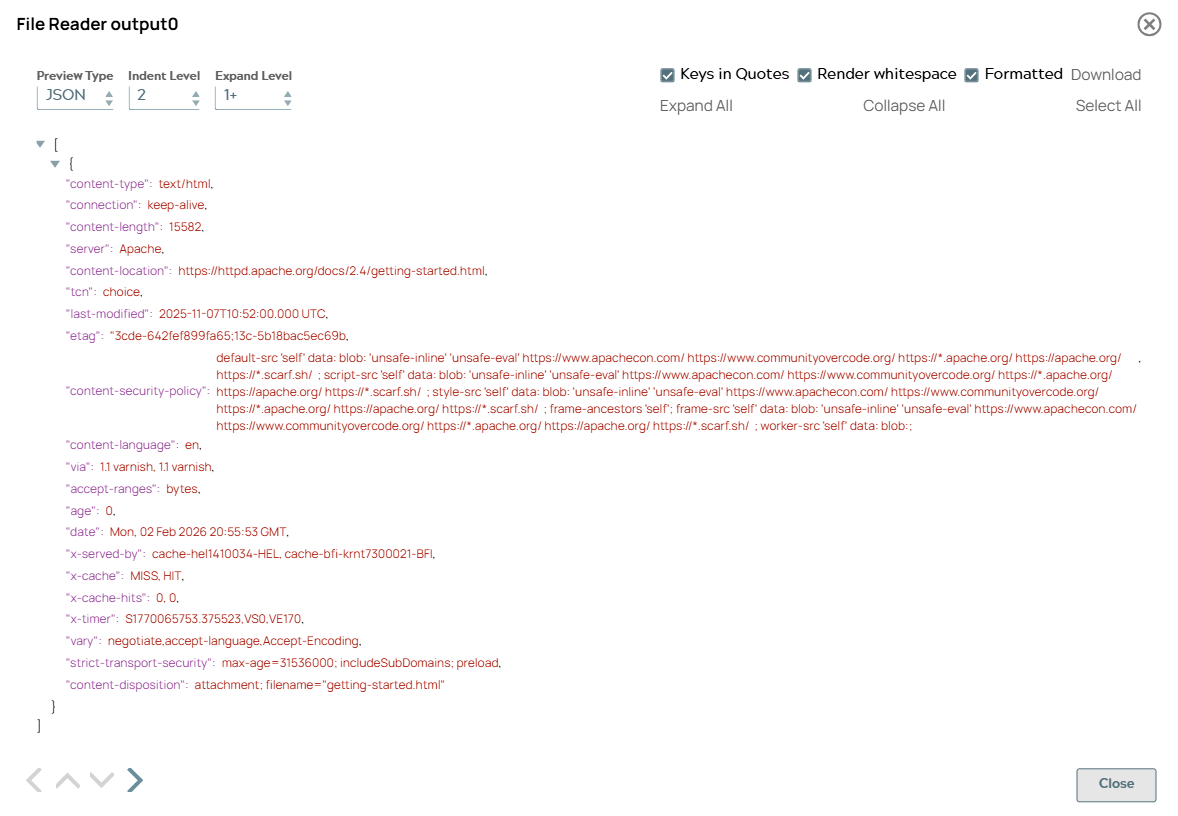
On validation, the Snap captures and displays the metadata of the specified HTML file in its preview. When run, this Snap produces a HTML stream of the specified HTML target page.
File Reader Snap configuration File Reader Snap output 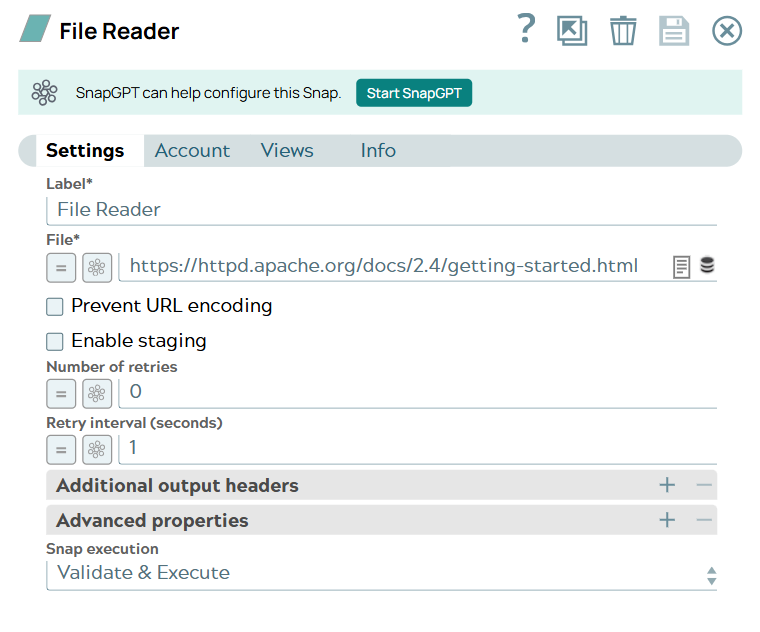
-
Configure the
File Writer
Snap to read this
incoming HTML stream and write its contents into a HTML document (file) with the name
getting-started.html.
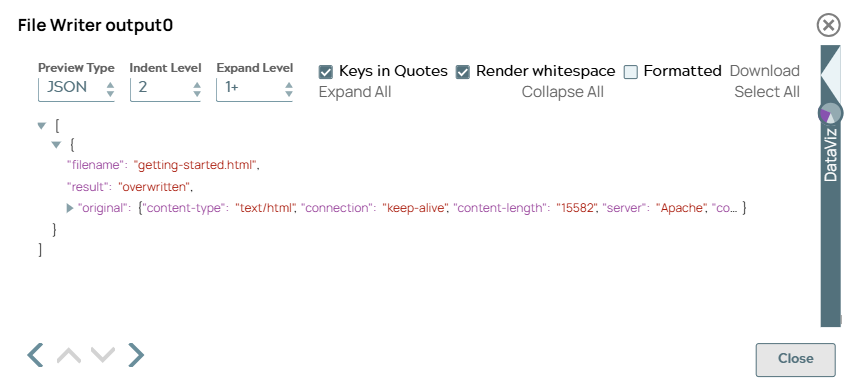
On validation, the Snap indicates that the output file - getting-started.html has been generated in the overwrite mode to replace the identical file, if it exists. .
File Writer Snap configuration File Writer Snap output 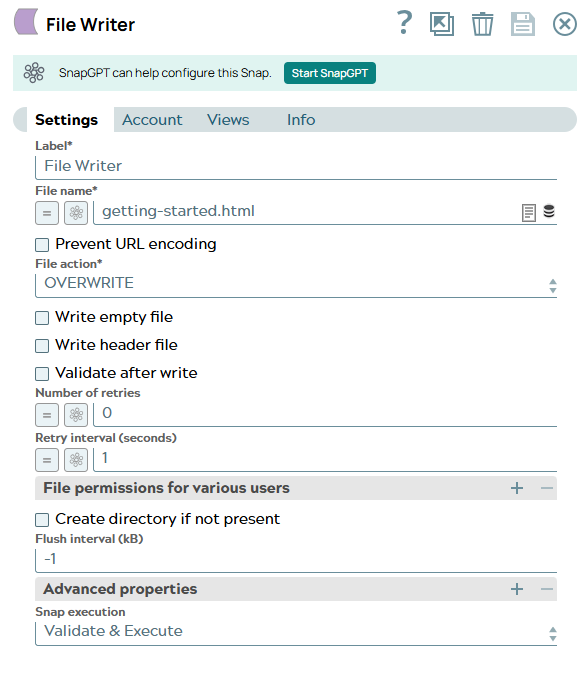
-
Configure the
File Reader
Snap as follows to
read the incoming HTML stream from the File Writer Snap. Specify the
File field value as
getting-started.html.
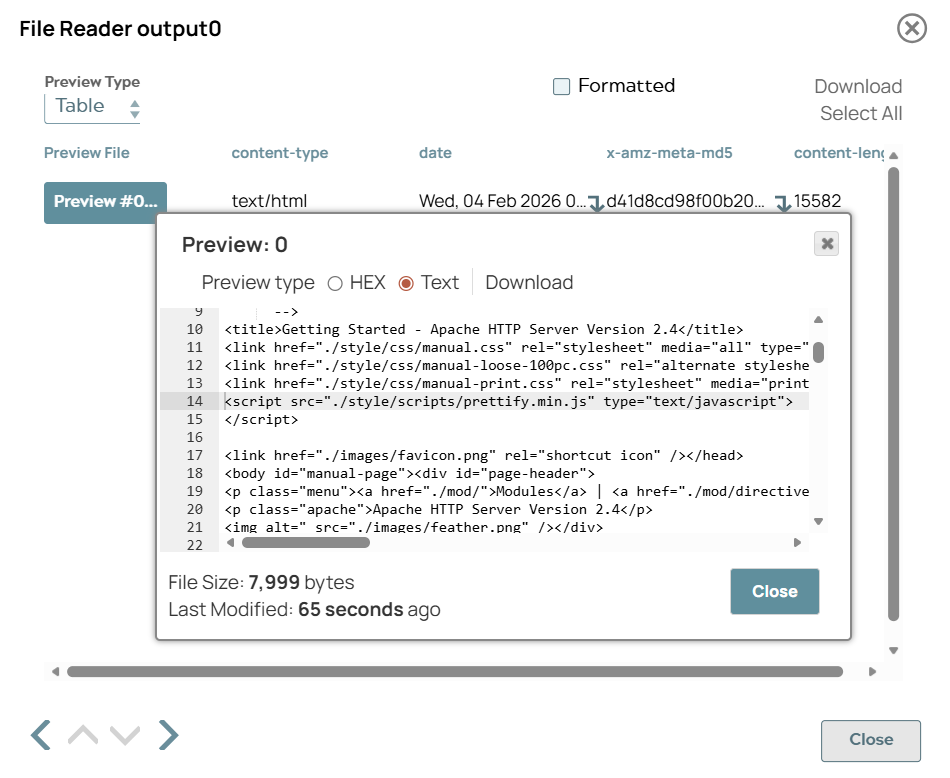
On validation, the Snap displays the HTML stream output ready to pass downstream.
File Reader Snap configuration File Reader Snap output 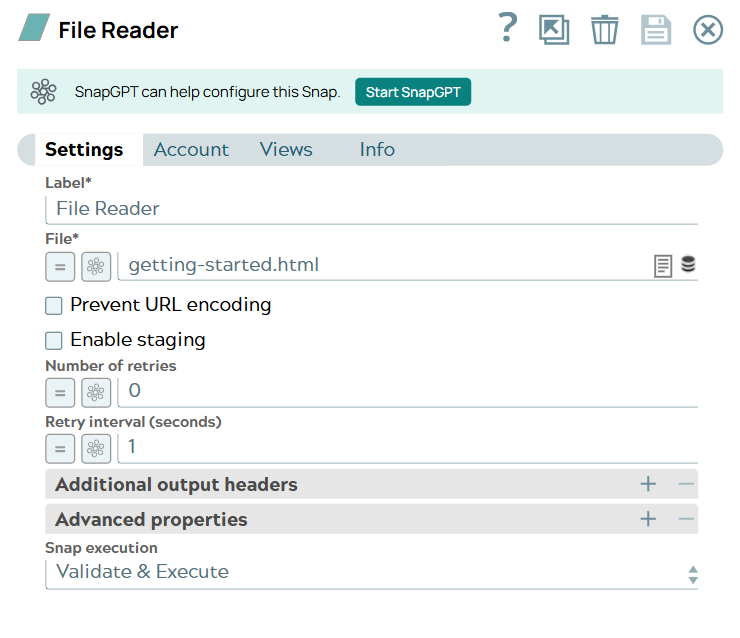
-
Configure the HTML to PDF
Converter Snap to write the
PDF document.
Though the HTML file location field is optional, providing the file location helps in accurately resolving relative references and rendering the content.
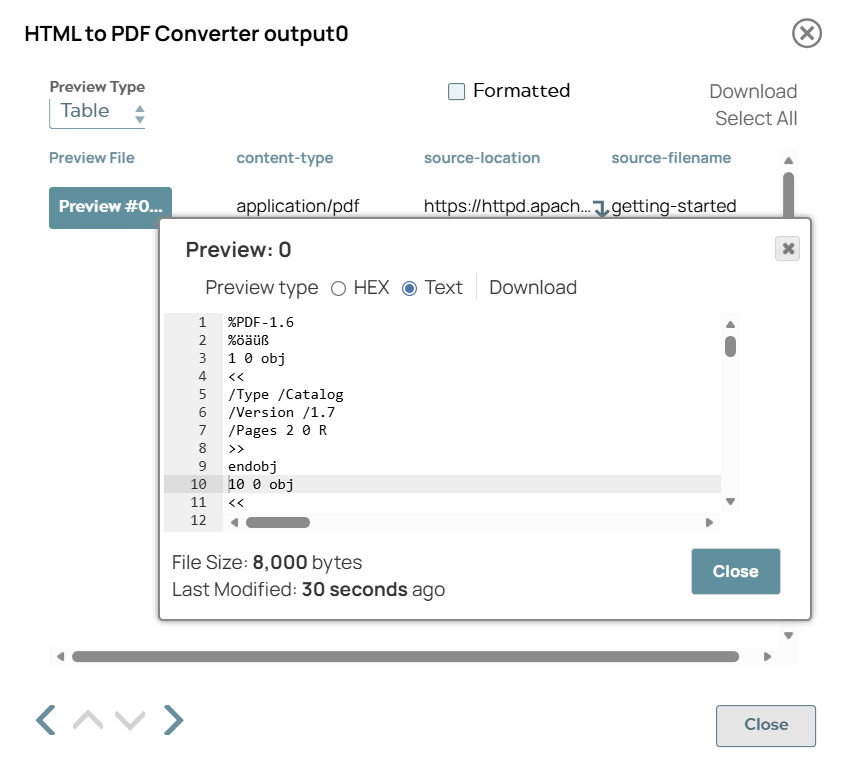
On validation, the Snap displays the output.
HTML to PDF Converter Snap configuration HTML to PDF Converter Snap output 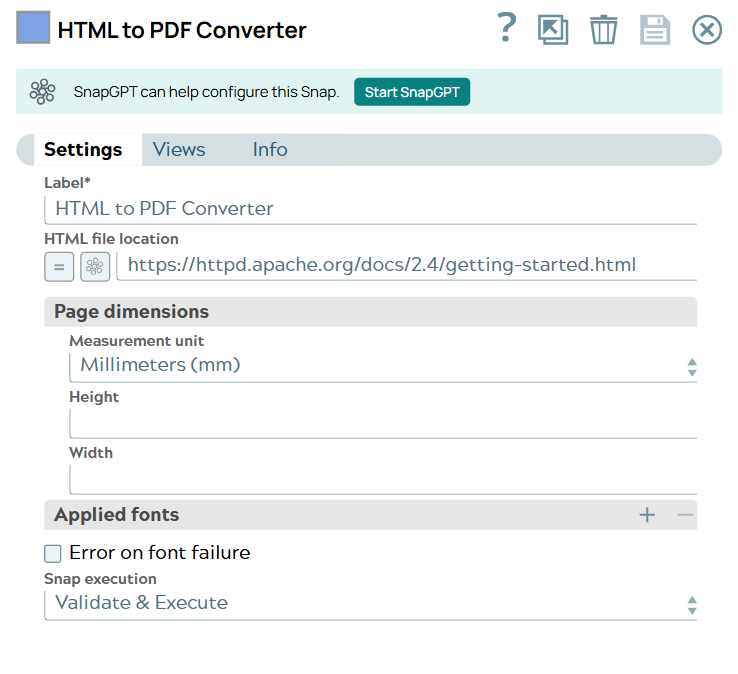
-
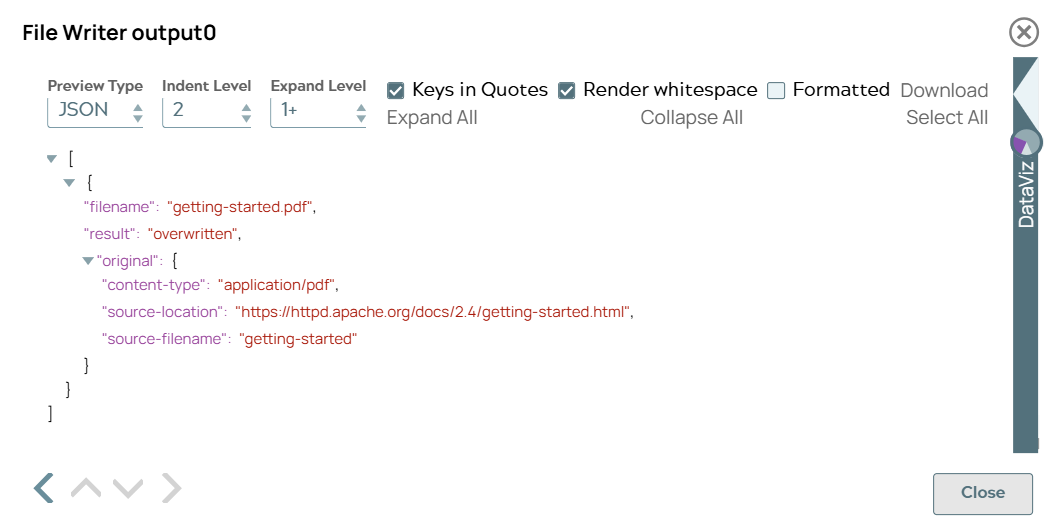
Configure the
File Writer
Snap to write the
PDF document using the PDF stream from the HTML to PDF Converter Snap. Use the expression
$['source-filename']+'.pdf'in the File name field to reuse the name of the HTML file for the generated PDF output.On validation, the Snap displays the stream output.
File Writer Snap 2 configuration File Writer Snap 2 output 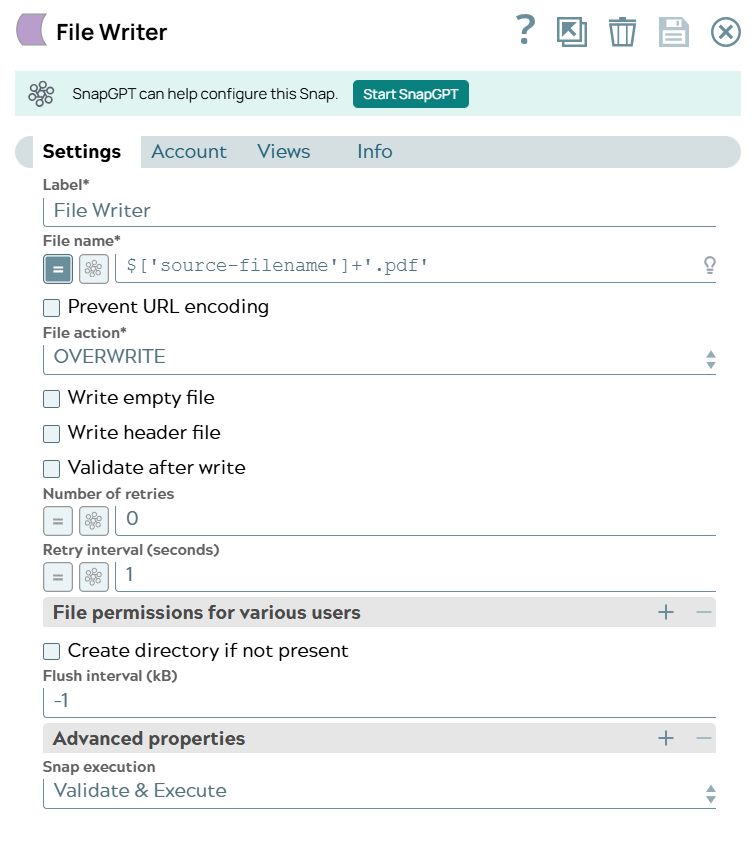
Click here to download the sample output PDF file generated using this pipeline. After running this pipeline, you may download the output PDF file from the SnapLogic Manager in your environment: <Project space> > <Project> > Files.
- Download and import the SLP file into your Environment.
- Configure Snap accounts.
- Provide Pipeline parameters, if any.