


Upload PDF to a Salesforce Account Record
To upload a PDF file attachment to a Salesforce Account record, build a Pipeline using File Reader Snap, Binary to Document Snap, Mapper (Data) Snap, Structure Snap, and Salesforce Create Snap.
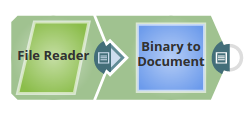
-
Configure the File Reader Snap
File Reader Snap: Enter a pdf file URL in the File property.
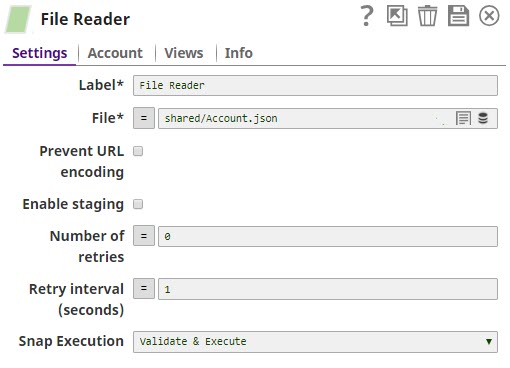
-
Configure the Binary to Document Snap
Binary to Document Snap: Select ENCODE_BASE64 for the Encode or Decode property.
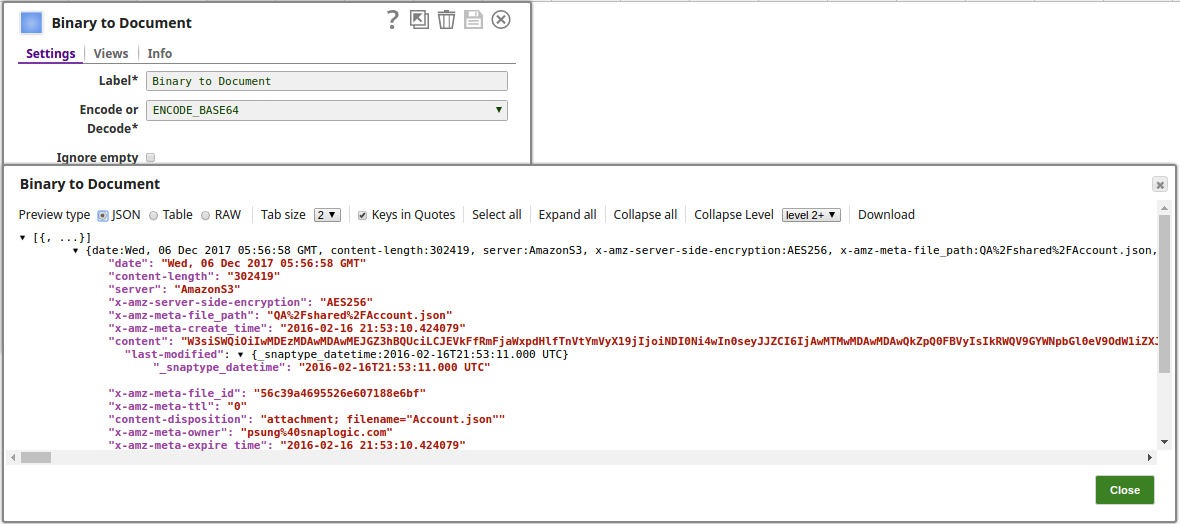
- Preview for None
- The output preview when NONE is selected:
-
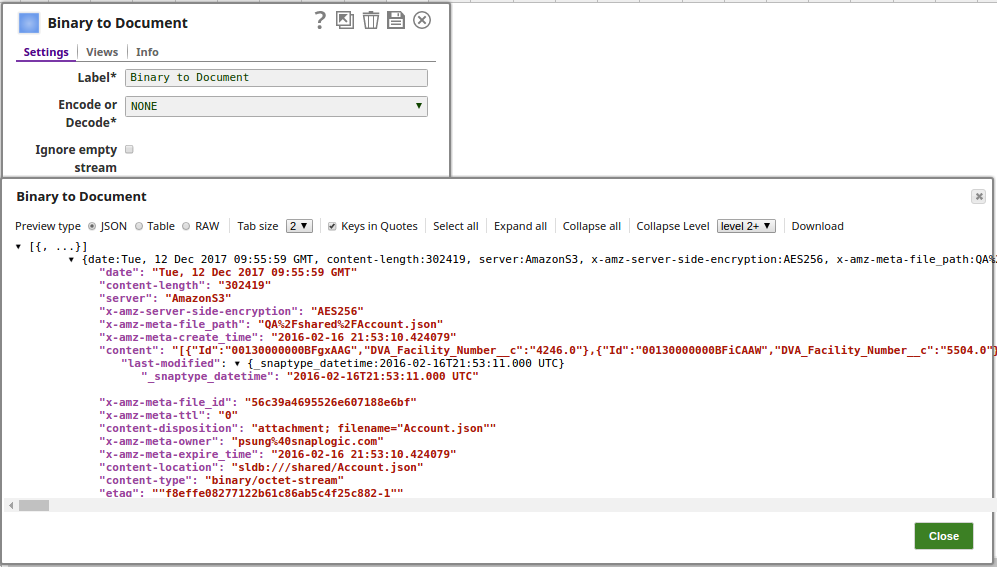
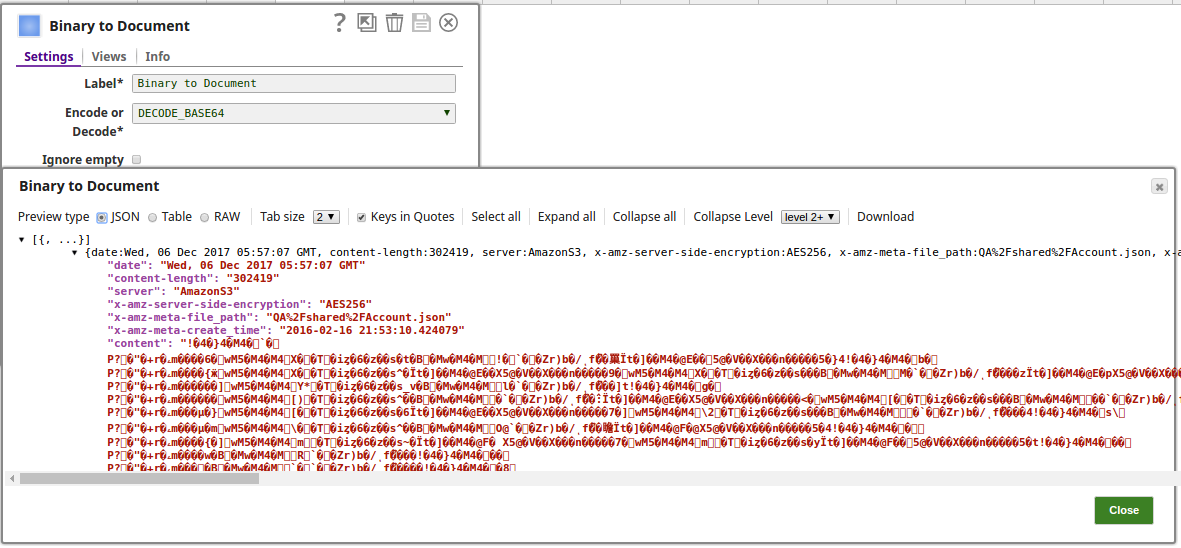
- Preview for DECODE_BASE64
- The output preview when DECODE_BASE64 is selected:
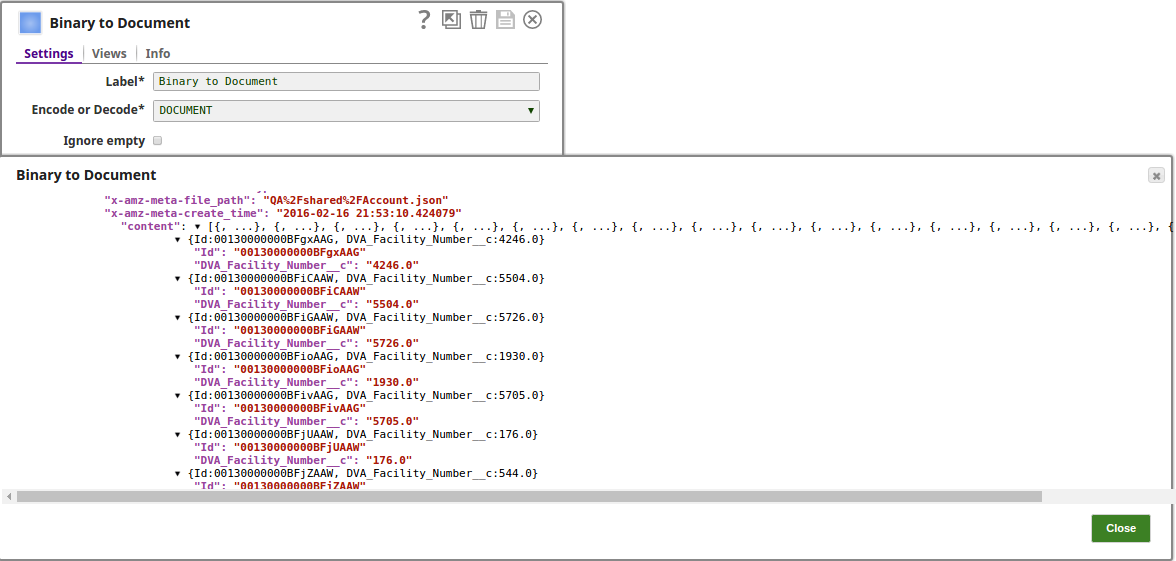
- Preview for DOCUMENT
- The output preview when DOCUMENT is selected:
-
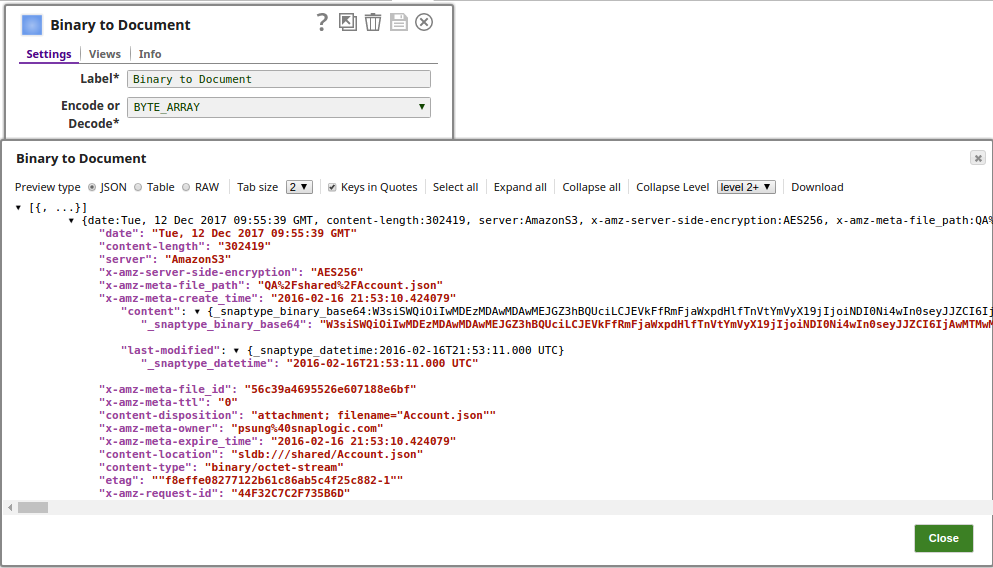
- Preview for BYTE_ARRAY
- The output preview when BYTE_ARRAY is selected:
- Execute the Pipeline to create the Attachment for the specified Account SObject record.
- Verify in Salesforce that the PDF file is attached to the Account record.