Dynamic Validation
Dynamic validation validates Snap properties as you enter them. SnapLogic starts
validating a property as you edit it; a preview of the result of this validation is
displayed and updated as you continue editing. In addition, if preview data from the
upstream Snap is available, the expression is validated against the preview data, and
the results are displayed adjacent to the property. A full validation is required for
file path or JSONPath validations that depend on input or output schemas.
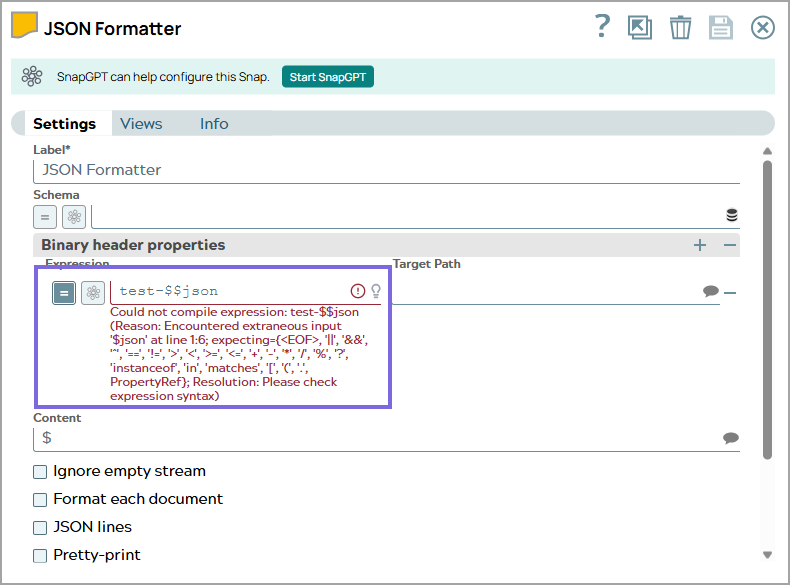
- Validation errors appear in red with a message that describes the error.
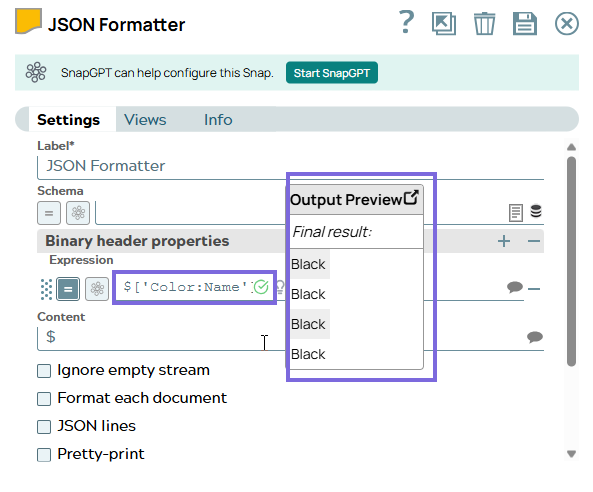
- Successful validations are highlighted with a green checkmark icon. The output
preview is also displayed adjacent to the expression box.
-
Preview data is available only after you save and validate the pipeline. If a Snap is connected to other Snaps and you change the upstream Snap, wait for full validation before viewing the dynamically validated preview.
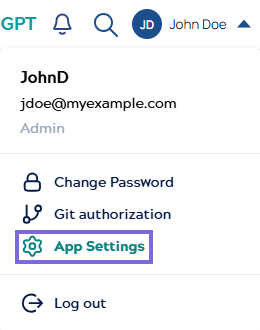
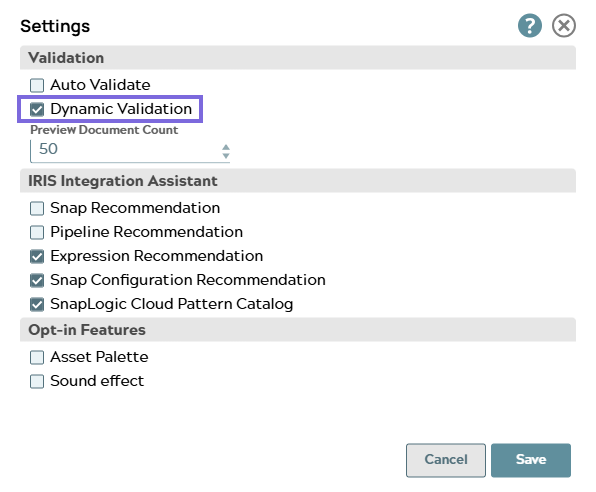
- Dynamic validation is enabled by default. To turn it off, click the App
Settings icon and deselect Dynamic Validation.