Create an Account using SnapLogic Create
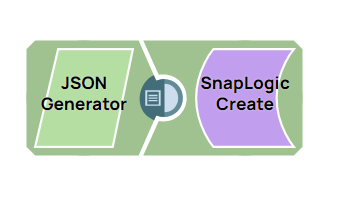
This example pipeline demonstrates how to read an existing SnapLogic account asset and create a new one based on the retrieved data. It reads account metadata from a specified path and creates a new account asset at a different path within the SnapLogic platform.
-
Configure the SnapLogic
Read Snap to read the
SnapLogic asset of type ACCOUNT from the path
/snaplogic/xyz/metadate_create/create_basic_account.
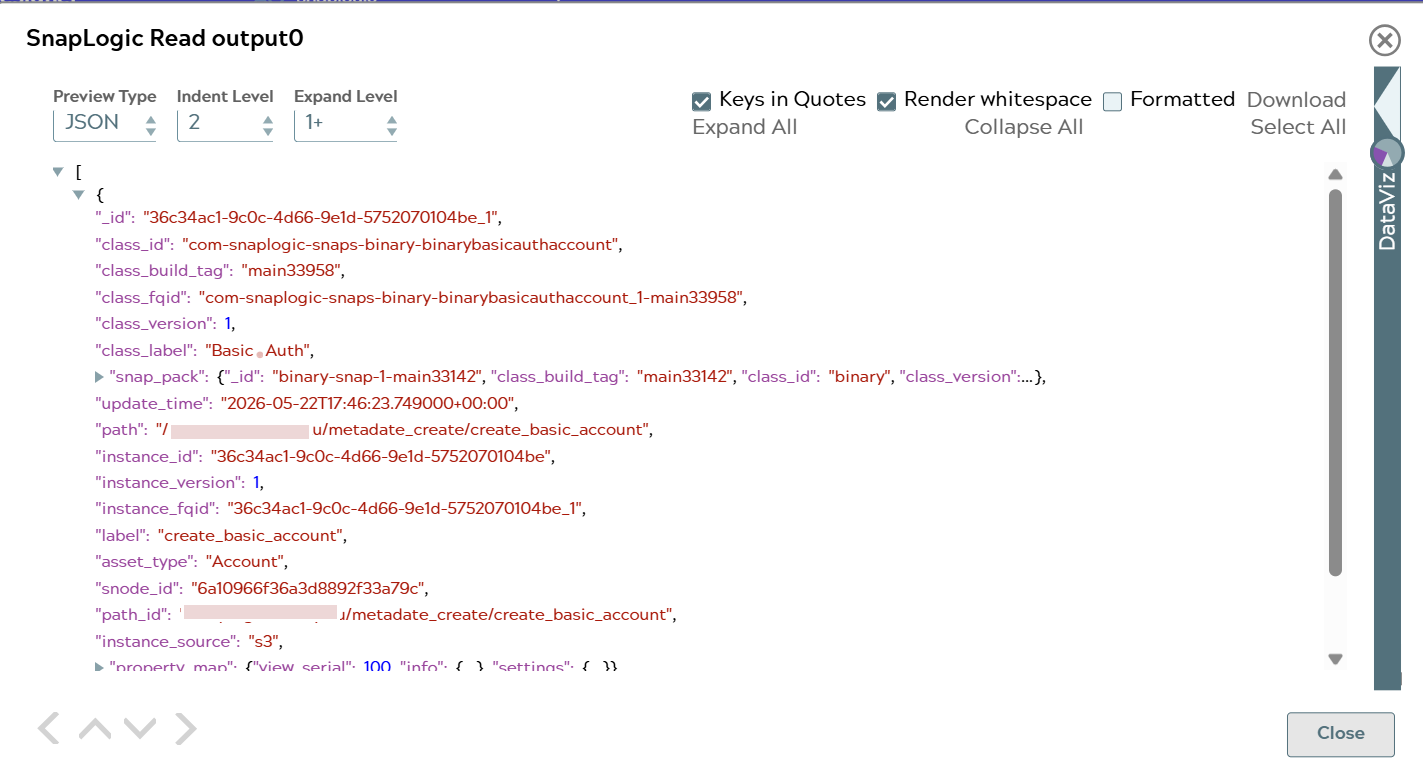
On validation, the Snap reads the existing account metadata from the specified path.
SnapLogic Read Snap configuration SnapLogic Read Snap output 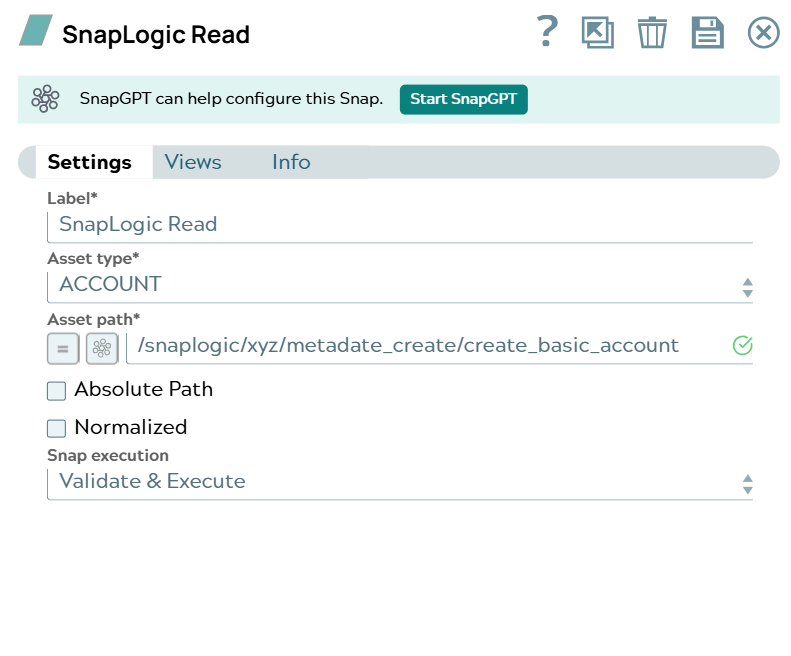
-
Connect the SnapLogic
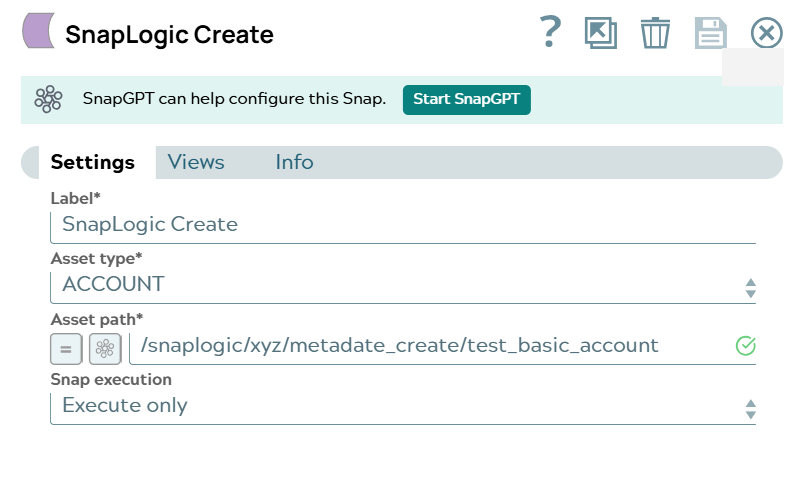
Create Snap to create a new
SnapLogic asset of type ACCOUNT at the path
/snaplogic/xyz/metadate_create/test_basic_account using the data retrieved from the
previous Snap.
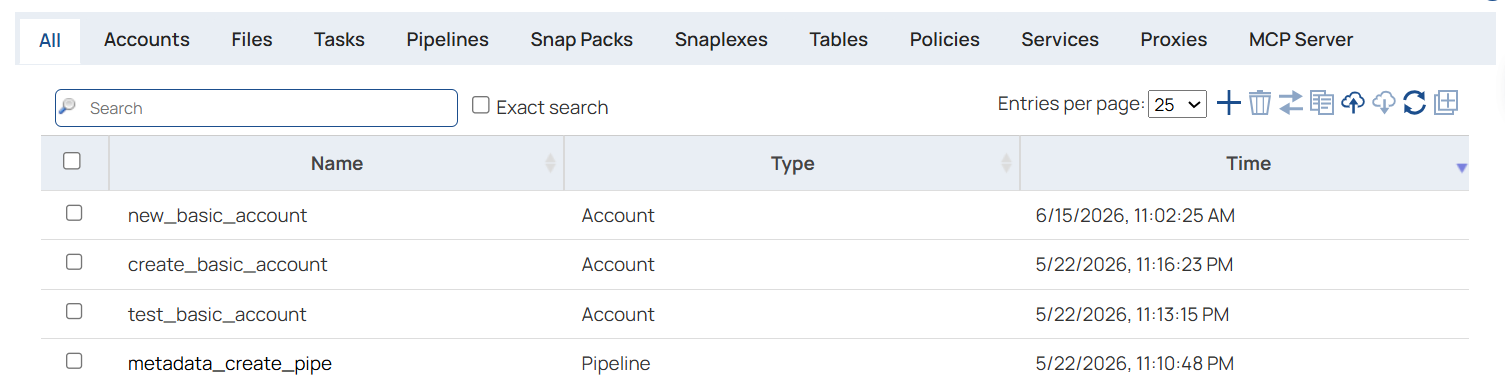
On validation, you can see that a new account is created at the specified path with the account data from the SnapLogic Read Snap.
SnapLogic Create Snap configuration SnapLogic Create Snap output