


Project assets
Project Manager lists the contents of the selected project or shared folder in the asset
table: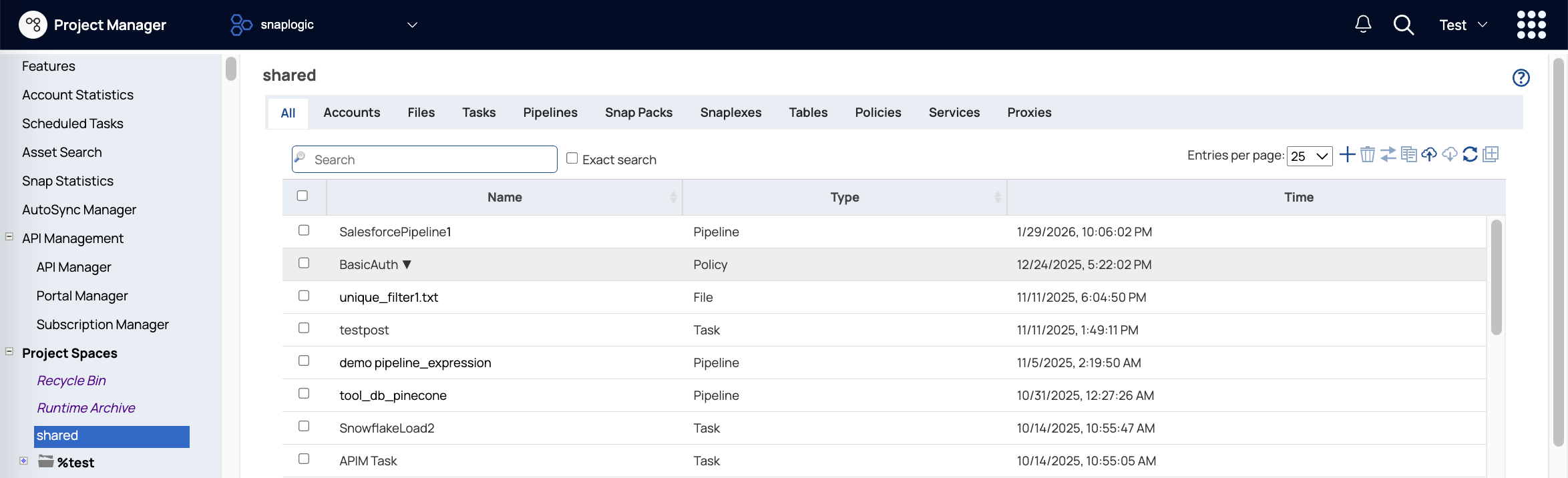
With the appropriate permissions for a project, you can add, edit, and delete assets. The toolbar buttons support the following actions:
- Create any type of asset. A project shouldn't contain more than 100,000 assets.
- Move single or multiple assets, except for Snap Packs, to another project or shared folder in the same environment.
- Copy single or multiple assets to a target Project, shared folder, or environment.
- Delete any asset from a Project or shared folder and send it to the Recycle Bin.
- If using the Git Integration, perform Git operations on single or multiple assets.
Asset Reference
When assets are referenced in pipelines, the requested asset is searched for in the following order:
- Path to Project containing the requested asset
-
project space
sharedfolder -
Global
sharedfolder
If a referenced asset is deleted or moved to another project, the pipeline referencing the asset doesn't fail but instead executes if an asset with the same name is found.