Runtime Archive
The Runtime Archive enables you to view and download JSON files containing the runtime logs of all finished pipeline executions (Completed, Failed, or Stopped). SnapLogic generates one log file per Environment per hour, regardless of file size.
Runtime Archive File Details
File Generation and Availability
SnapLogic generates one log file per Environment per hour, based on UTC. Files are written approximately 15 minutes past the top of each hour. Once a file is written to storage, a background process makes it available in the Runtime Archive UI. This process runs hourly but introduces a delay of approximately 2–3 hours, so newly generated files may not appear in the archive immediately.
Day Boundary
Files are organized by UTC date. A new day begins at midnight UTC, regardless of the local time zone of the Environment or its users.
File Naming Convention
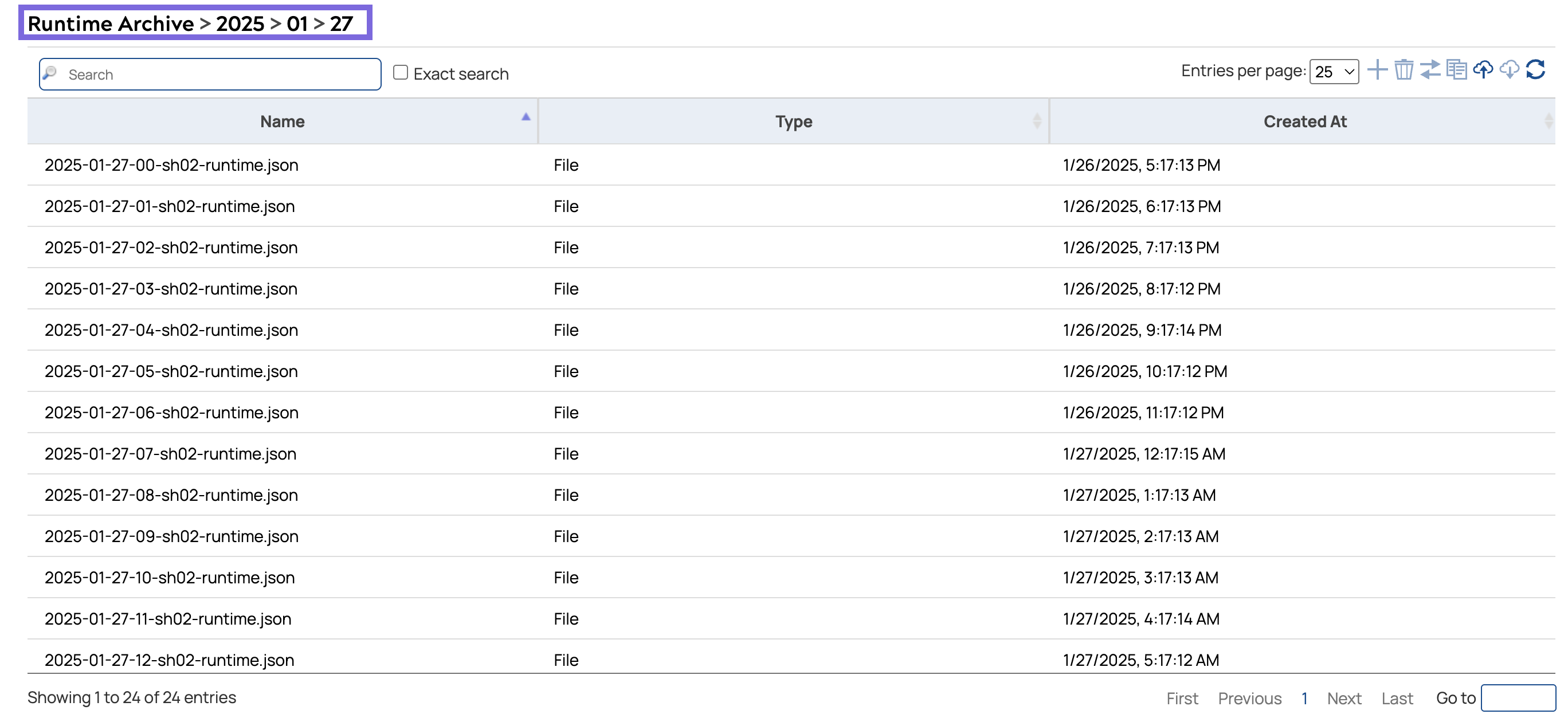
Log files follow the naming convention
YYYY-MM-DD-HH-<shard-id>-runtime.json, where
YYYY-MM-DD is the UTC date, HH is the UTC hour
(00–23), and <shard-id> is an internal system identifier
assigned to your Environment.
-
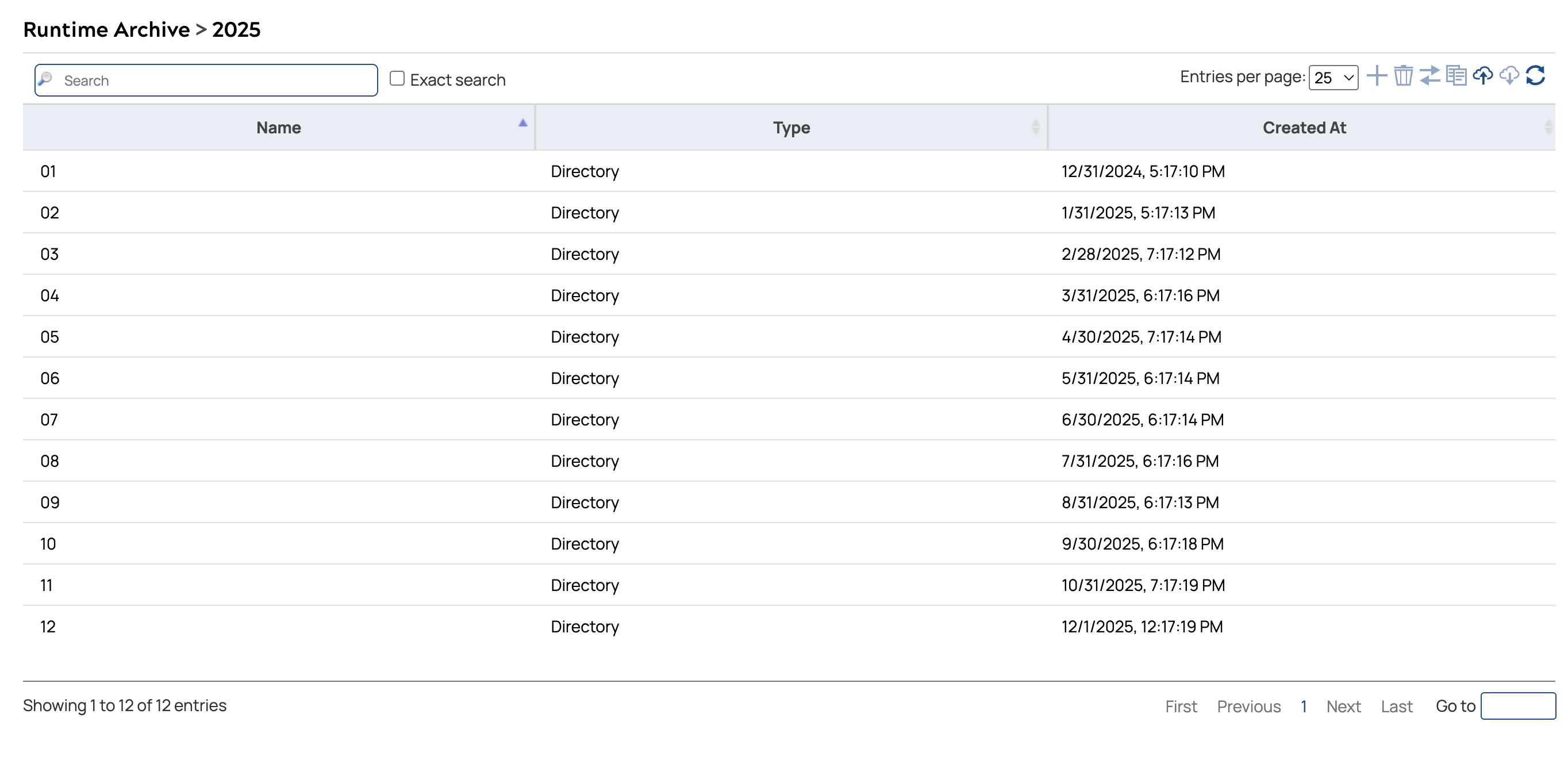
Click the year to view the available months.
The archive displays a directory of months for the selected year.
-
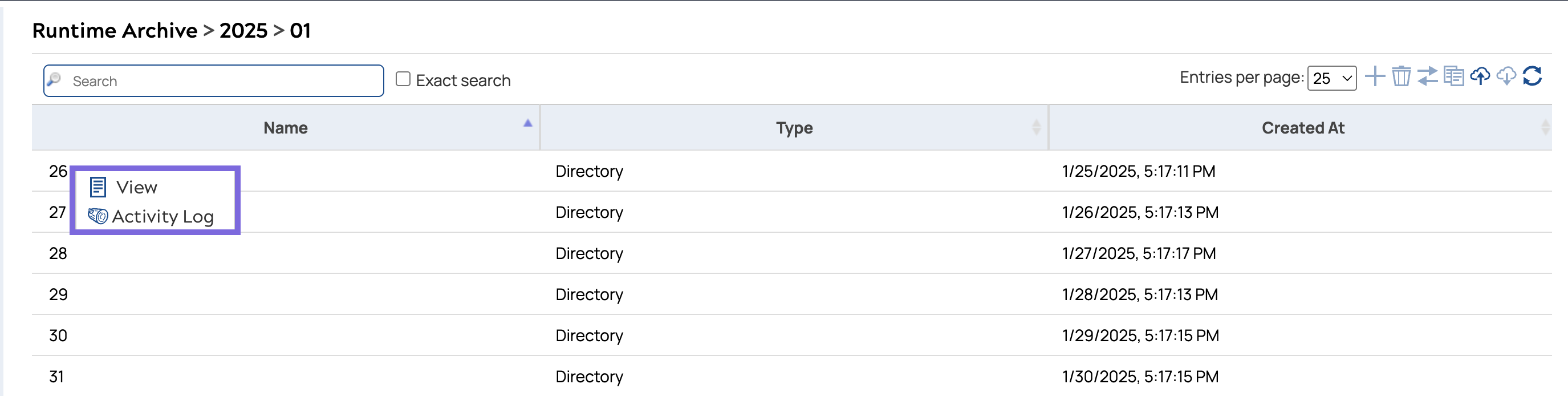
Click the month to view the available days.
The archive displays a directory of days for the selected month.
-
Click the date to view the log files for that day.
The Runtime Archive displays all JSON log files generated for that day, listed by hour.