


Replacing old data in a DLP table with the latest data
Consider the scenario where the data in a DLP table becomes obsolete every few hours. We need to refresh the data in the table on a frequent basis. To do so, we can create the following Pipeline with only Databricks - Execute Snap.
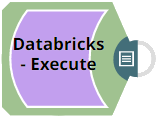
Download this Pipeline.
Configure the Snap (Pipeline) to run two Databricks SQL statements in a specific order
- Delete the existing table and create a new table with the same schema as the source file
and populate the latest values into this new table. Ensure that the DLP account used with
the Snap has the required permissions to perform operations you specify in your SQL
statements.
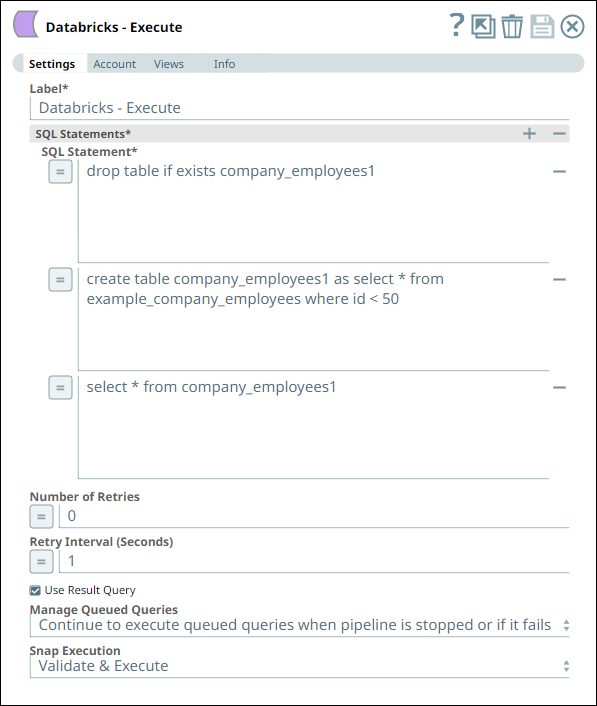
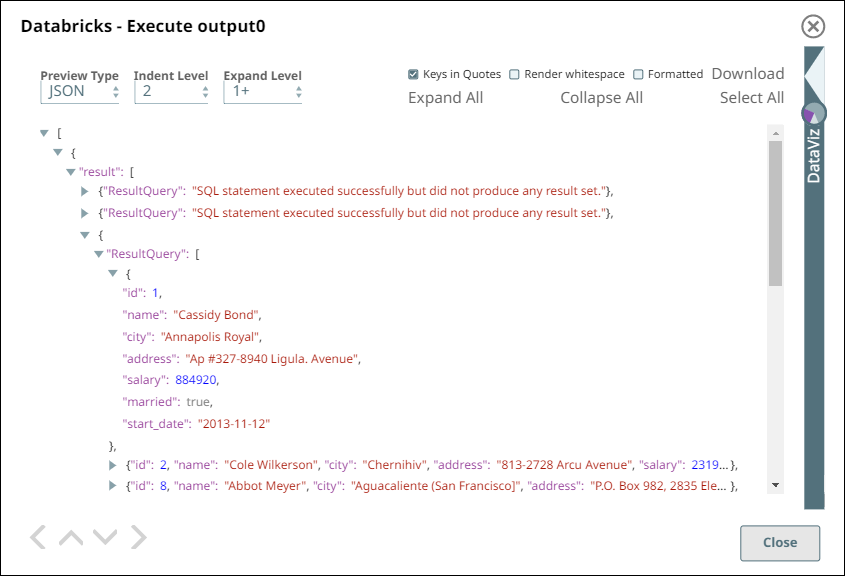
The Snap upon successful validation displays the output in the preview pane as follows. This output contains the SQL statement we passed and the respective result of execution.
- Download and import the pipeline into SnapLogic.
- Configure Snap accounts as applicable.
- Provide pipeline parameters as applicable.