


Save PDF document as an image
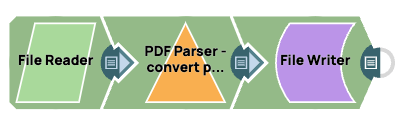
Thisexample pipeline demonstrates how to extract a page from a PDF document and save it as an image.
-
Configure the File Reader Snapto read a PDF document.
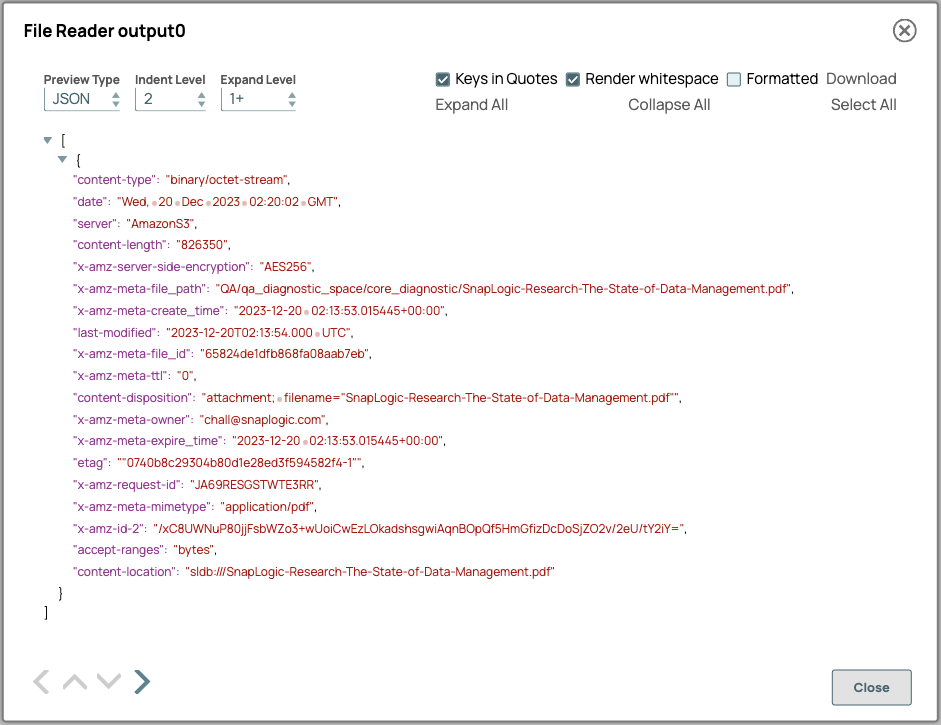
On validation, the Snap displays the data.
File Reader Snap Configuration File Reader Snap Output 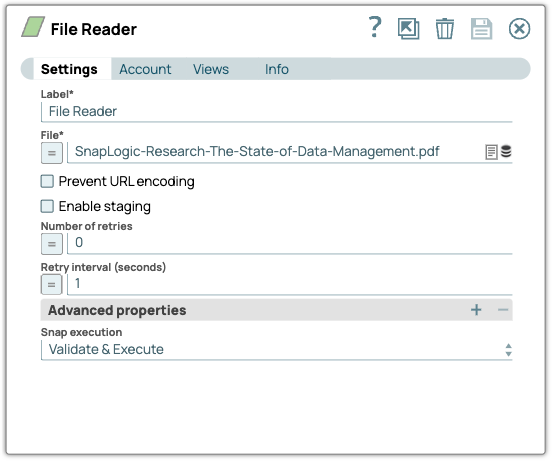
-
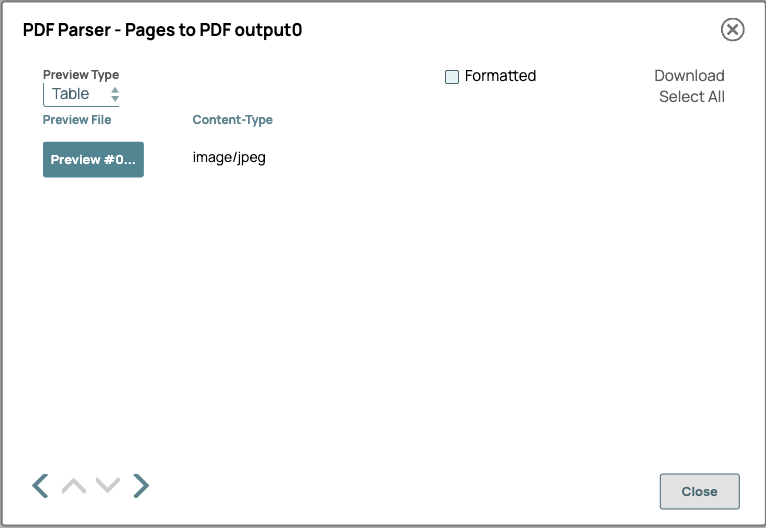
Configure the PDF Parser Snap to extract data from the input file.
In this example, we have configured the Snap to extract page 13 and save it as an image.
PDF Parser Snap Configuration PDF Parser Snap Output 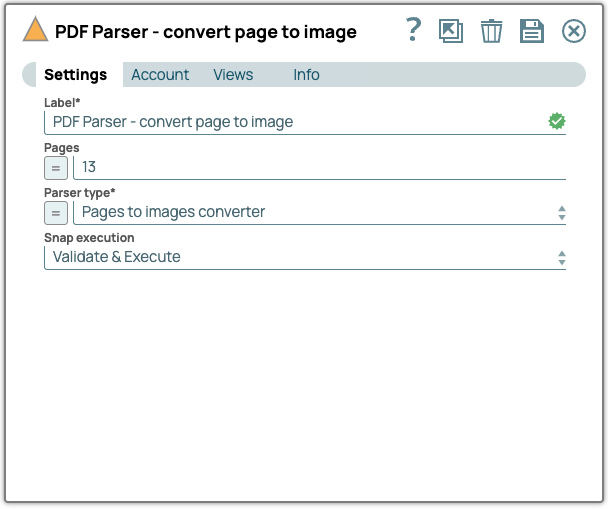
-
Configure the File Writer Snap to write the the image file.
File Writer Snap Configuration File Writer Snap Output 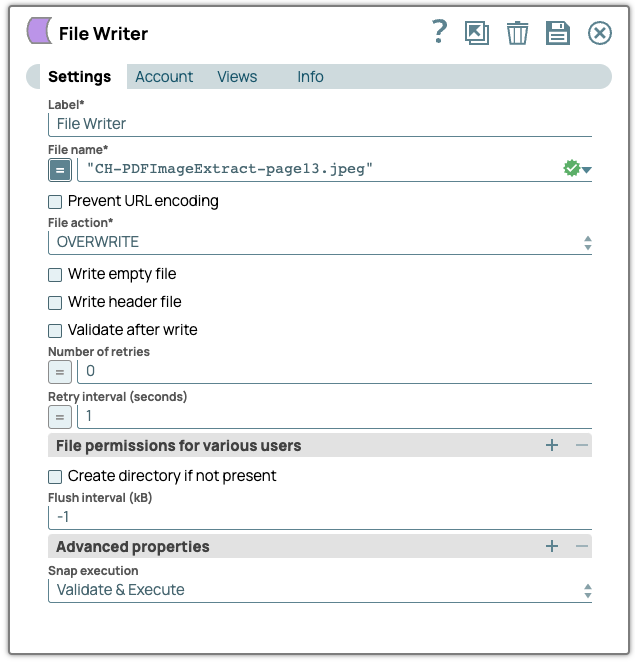

- Download and import the pipeline into SnapLogic.
- Configure Snap accounts as applicable.
- Provide pipeline parameters as applicable.