


Create Tools for your Agents
Tools perform services for the Agent, like reading a database or searching the web. You can create tools in Designer via pipelines.
- Familiarity with building pipelines in Designer.
- Feature subscription to AgentCreator.
-
Select one of the following methods for building your tool:
- Build a tool from scratch in a blank Designer canvas.
- Import a tool from the Public Pattern Library
To import a prefabricated tool, follow the steps below. To create a tool in a blank Designer canvas, go to step 2.-
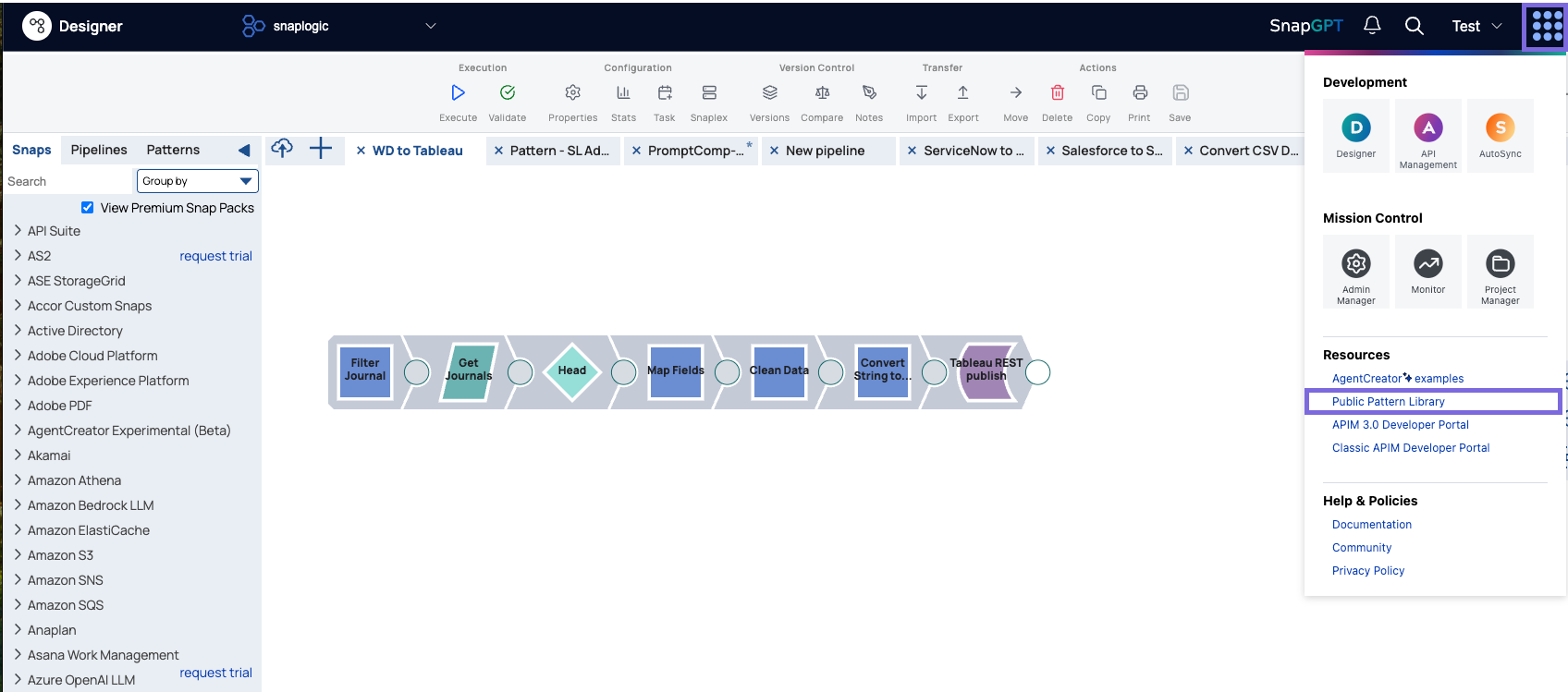
Navigate to the Public Pattern Library via the Waffle menu.
-
Click the AgentCreator pill button, then select a pattern that has the tool label.
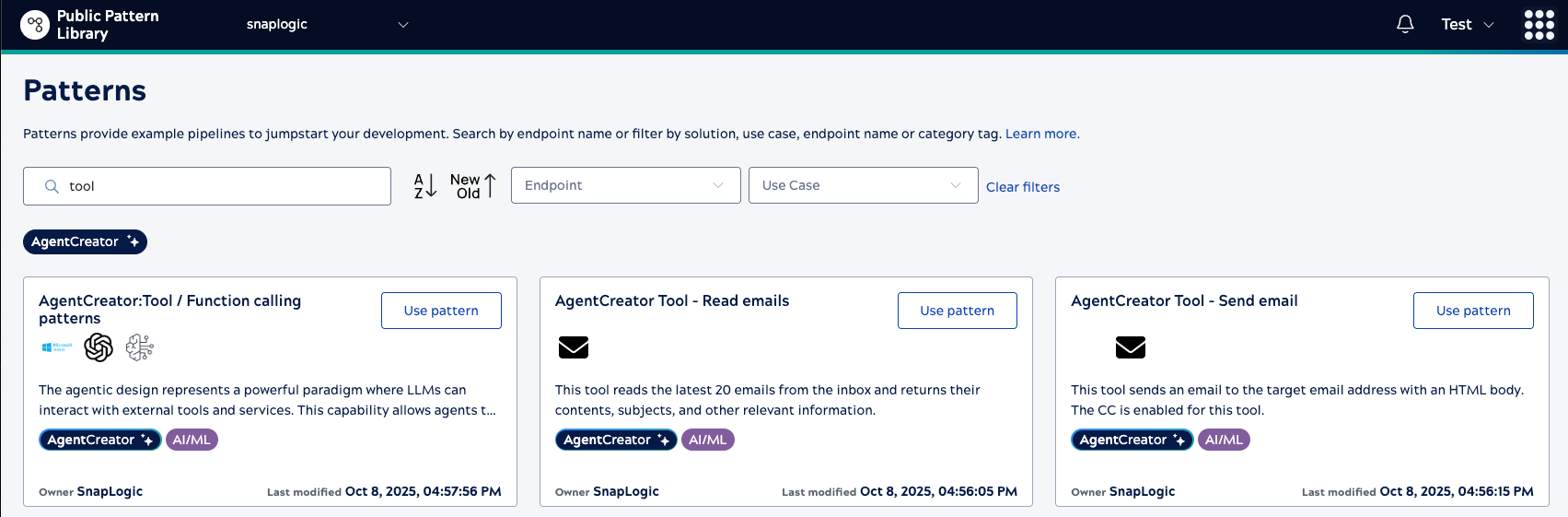 Tip: Enter tool in the Search field to narrow the results to only tool pipeline patterns.Alternatively, you can click any of the tools listed below. When you are logged into SnapLogic, clicking the link will redirect you to that pattern.
- AgentCreator Tool - Read emails
- AgentCreator Tool - Send email
- AgentCreator Tool - Serper search
- AgentCreator Tool - Get events from Google Calendar
- AgentCreator Tool - List all spreadsheets from Google sheets
- AgentCreator Tool - Read worksheet from Google Sheets
- AgentCreator Tool - OpenAI - PostgreSQL Query Agent
- AgentCreator Tool - OpenAI - PostgreSQL Execution Agent
- AgentCreator Tool - Amazon Bedrock - PostgreSQL Execution Agent
-
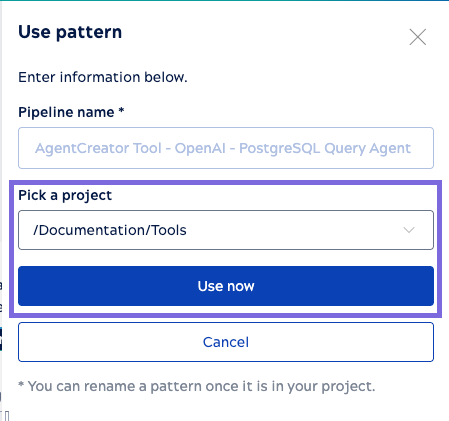
Select the destination Project, and click Use Pattern.
-
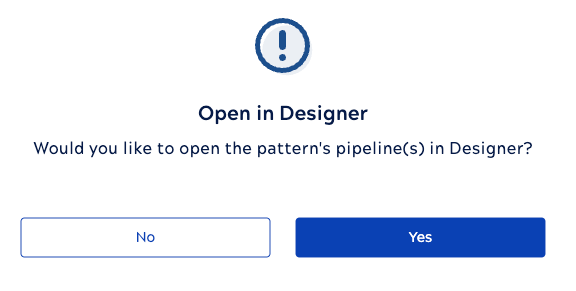
In the next popup, select Open in Designer.
-
Click
 to open the Pipeline Properties dialog:
- Enter the name of the Tool.
- Under , select Tool.
- Enter Account as one of the Pipeline Parameter keys. You can leave the Value field empty.